In a constantly changing commercial and industrial environment, label printing — a key element of information exchange and product management — faces a number of serious challenges. To answer them effectively, POSTEK, a leading manufacturer of label printing equipment, introduced OX Script, a printing system based on the Python programming language. This innovation is designed to change the approach to label printing and take the industry to a new level of productivity.
1. What is OX Script?
OX Script is a Python scripting language built on the application development system for OX platform printers. It provides powerful tools for building customized, interactive user interfaces, letting users tailor solutions to specific printing tasks. As a key development tool for label printers, OX Script targets projects in mid- and high-tech industrial segments.
2. Why did POSTEK develop OX Script?
With the rapid growth of the commercial and industrial sectors, label printing plays a key role as a vital channel for information and a tool for managing product flows. For a long time the global label printing industry has faced a range of problems: low printing speed, high customization costs and poor compatibility between hardware and software. These factors seriously limited business efficiency.
In recent years demand for personalized labels has grown significantly. Yet most existing printing systems cannot fully meet the complex and fast-changing requirements of a modern enterprise. This leads to higher costs and to compatibility problems between different brands and models of printers and software, and it hurts print quality and speed. As a result, the burden of operating and maintaining the equipment grows.
POSTEK’s product line covers a wide range of printing solutions, from compact commercial desktop printers to high-performance industrial devices. All of the company’s products and technologies are developed in-house, forming a single technology ecosystem. As a global leader in label printing, POSTEK understands the industry’s needs and challenges in depth. Driven by technological innovation, the company developed OX Script — an efficient, flexible and convenient printing system that solves key problems in the field and takes it to a new stage of development.
3. What are the key advantages of OX Script?
OX Script moves the printing function out of ERP/MES systems and runs it directly on the printer. This enables seamless interaction between the printer and the MES system, so important changes can be made and complex processes automated right inside the device. These processes include managing multiple data sources, updating print jobs dynamically, configuring automated print workflows and removing the need for costly system upgrades.
OX Script can significantly increase printing efficiency and reduce labor costs by helping companies automate the monitoring and optimization of print jobs, which in turn drives further productivity gains. Whatever the industry — retail, logistics, healthcare or manufacturing — OX Script delivers a better printing experience and supports companies’ digital transformation and smart development.
4. What can OX Script do?
OX Script lets users without professional programming skills implement the functions they need directly at printer level, so the device can be adapted and configured to the specific requirements of an application. Deploying custom solutions on printers becomes as simple as possible, which streamlines workflows and meets a wide variety of business printing needs.
With OX Script you can automate many print jobs, set up unique workflow automation scenarios and greatly reduce manual data entry. The system can also load and automatically process several local files (for example, Excel spreadsheets) and integrate smoothly with cloud data sources (for example, Google Forms) to update and print information automatically. This makes printing smarter and more automated, substantially improving speed and accuracy.
5. What enables OX Script to deliver multi-dimensional smart custom printing?
OX Script turns the printer into a central control hub, enabling it to handle a wide range of complex tasks flexibly and efficiently and to integrate seamlessly with many peripheral devices. The printer becomes the core of all printing-related processes.
In data processing, OX Script goes beyond traditional capabilities: it lets the printer receive and process data directly from peripherals such as barcode scanners or electronic scales, without a computer or third-party software. This not only speeds up data processing but also greatly simplifies the workflow, making printing more convenient and efficient.
The system also supports several connection methods — USB, Wi-Fi and Bluetooth — ensuring stable, uninterrupted work with peripherals and improving the flexibility and compatibility of the whole printing system.
Another important advantage is outstanding offline capability. Even during equipment failures or network outages, OX Script keeps print jobs running, which significantly increases the reliability and resilience of the system and gives users a smooth printing experience.
6. Which printer models support OX Script?
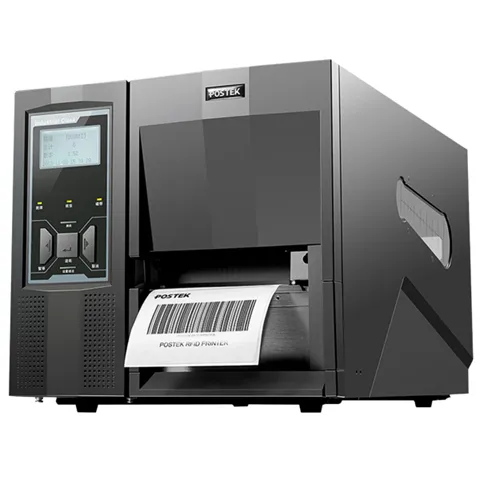
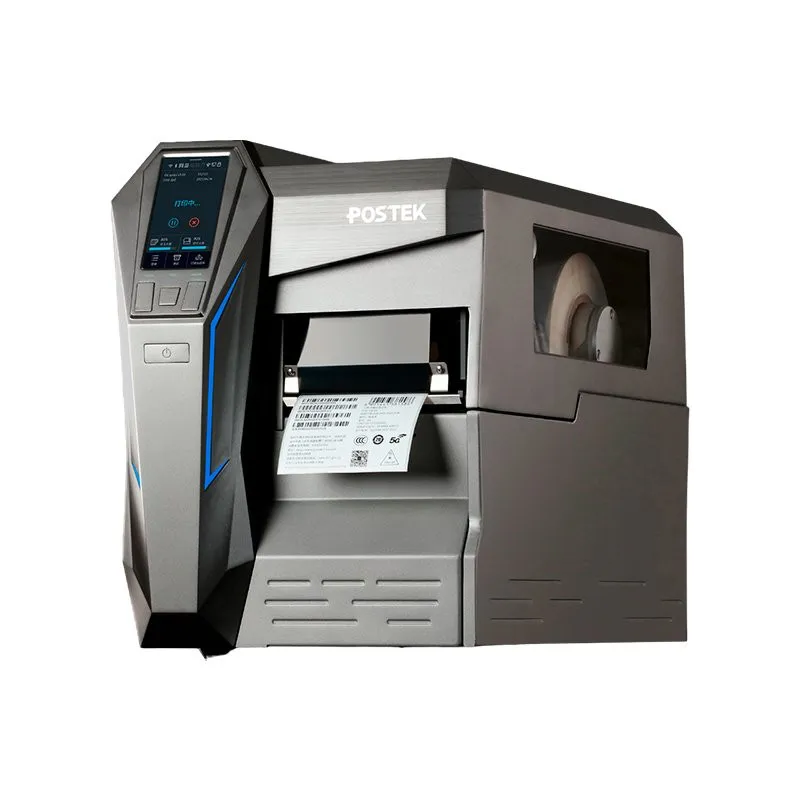
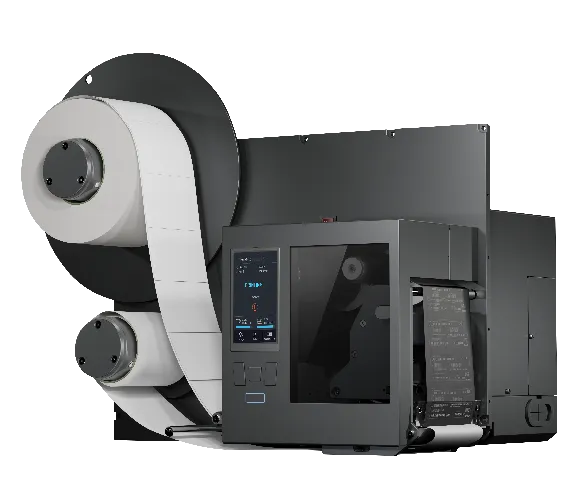
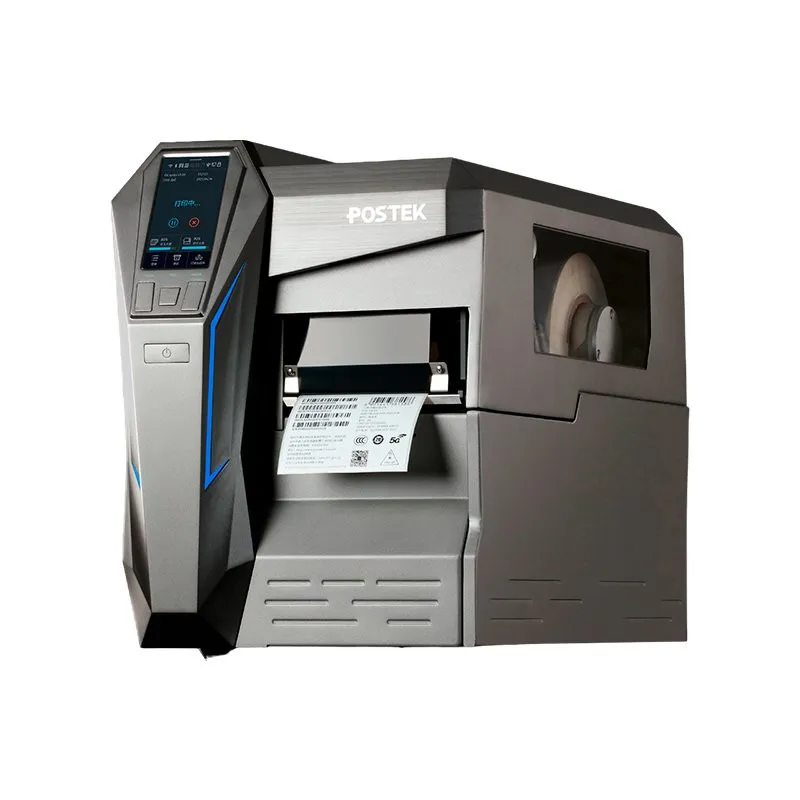
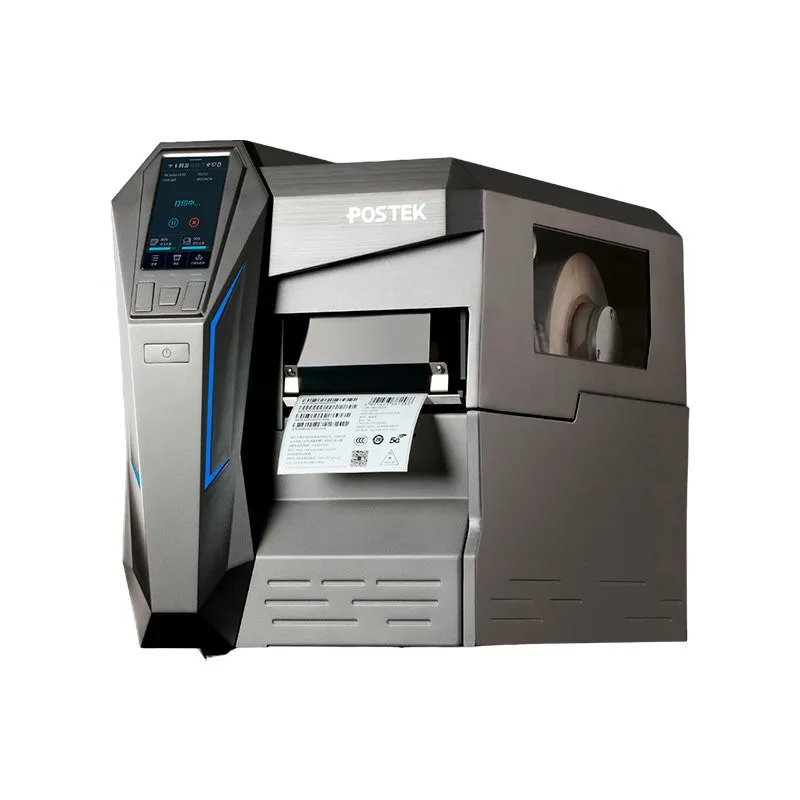
OX Script is compatible with a number of POSTEK printer models, including the OX, TX Exp, GX and MX series, as well as other devices. Future updates are expected to extend the list of supported models, taking the multifunctional, smart printing experience to a new level.
7. Which industries have started using OX Script?
As a multi-dimensional smart custom printing system, OX Script is gradually becoming an important tool for global service companies as well as in logistics, retail and manufacturing.
In manufacturing — including the automotive, electrical and electronics industries and furniture production — OX Script has become a key technology for printing customized labels. By developing their own printing software, companies can configure printers to print RFID and barcode labels automatically and intelligently while managing data at the same time. This has increased production efficiency and reduced operating costs, with a significant financial effect.
In logistics, OX Script is used for fast, accurate label printing and management of related data, which significantly improves the efficiency of logistics operations and reduces errors.
In retail, the system helps print labels and update data quickly and flexibly — especially important when working with large volumes of product information, price tags and other printed materials. This improves merchandise management and creates a better shopping experience for customers.
As technology develops and application scenarios expand, OX Script is expected to be adopted ever more widely across a variety of industries.