


QUEUE KIOSKS
Your receptionist no longer answers “which desk?” all day — customers pick the service themselves and hold a ticket a second later.
A touch-screen menu in 20+ languages, ticket printing or a number by online-booking code. The number goes straight to the display, the visit — into reports.
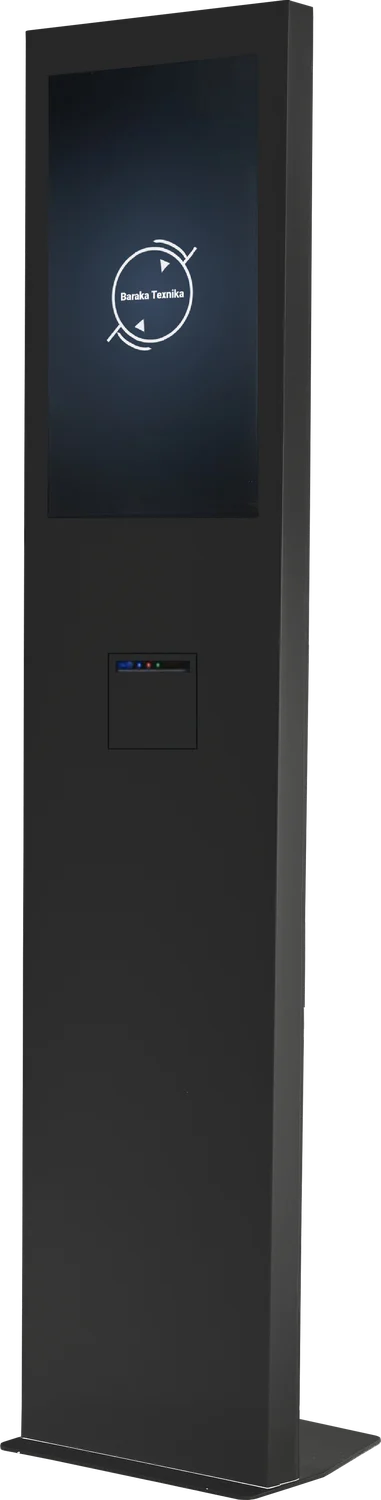
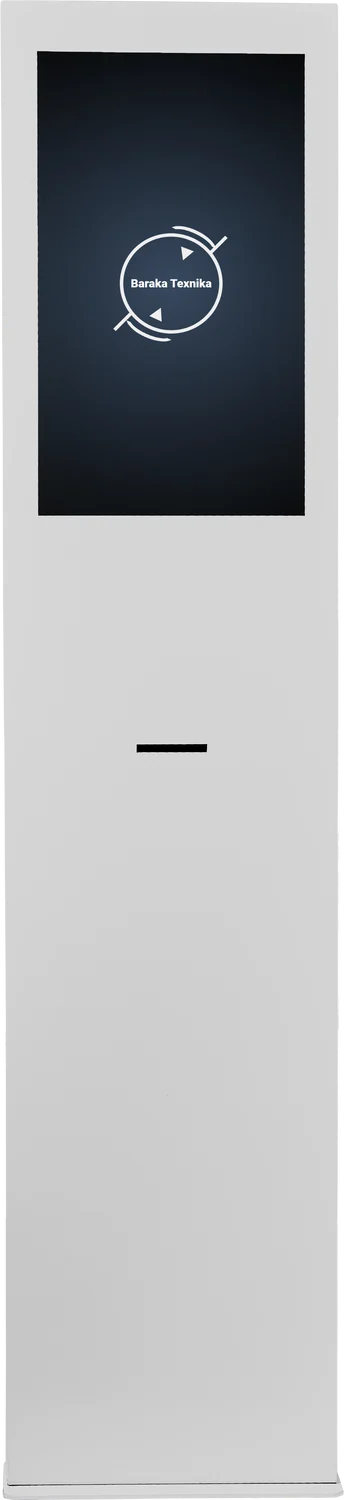
What changes at the entrance
No more “where do I go?”
Customers pick the service themselves — the system sends them to the right desk.
No more “I was here first”
The queue runs by numbers: calls on the display and by voice.
Every visit in a report
Service, waiting and service time — all in reports.
Three taps for the customer
Picks a language and service
Large buttons and clear names; a submenu if there are many services.
Gets a ticket
The thermal printer prints the number instantly. Booked online — enters the booking code.
Waits calmly
The number is on the display and a voice announces the call — no need to watch the door.
Models to scale: from 130 to 180 cm
All models are floor-standing with a metal case and a thermal printer. They differ in screen size and height — choose the one for your hall.
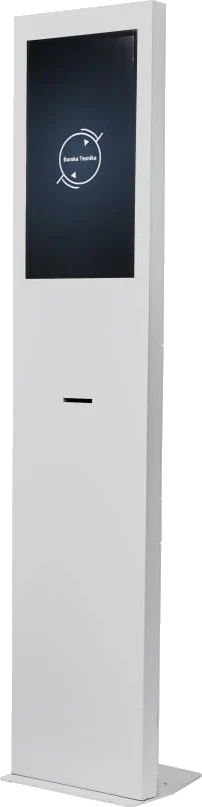
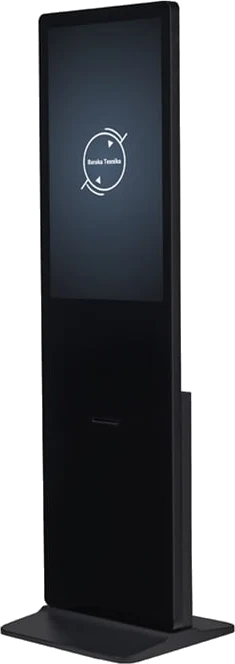
← swipe the drawing →
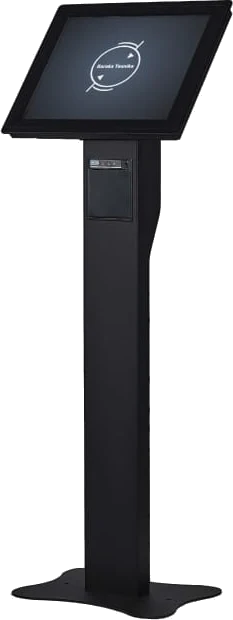
BT_17
A tilted screen on a stand. Compact — for small halls and branches with a few services.
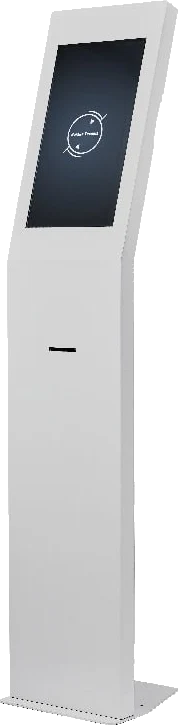
BT_21.5
A column with a tilted screen. More room for buttons — handy when there are many services.
BT_24
A vertical column. The large menu is easy to read and the kiosk stands out in the hall.
BT_32
A large vertical screen. The menu and ads between visitors are visible from afar.
Kiosk menu — an intuitive interface
Buttons, languages and images are changed in the organisation dashboard — with a mouse, in minutes.
 elektron-navbat.uz
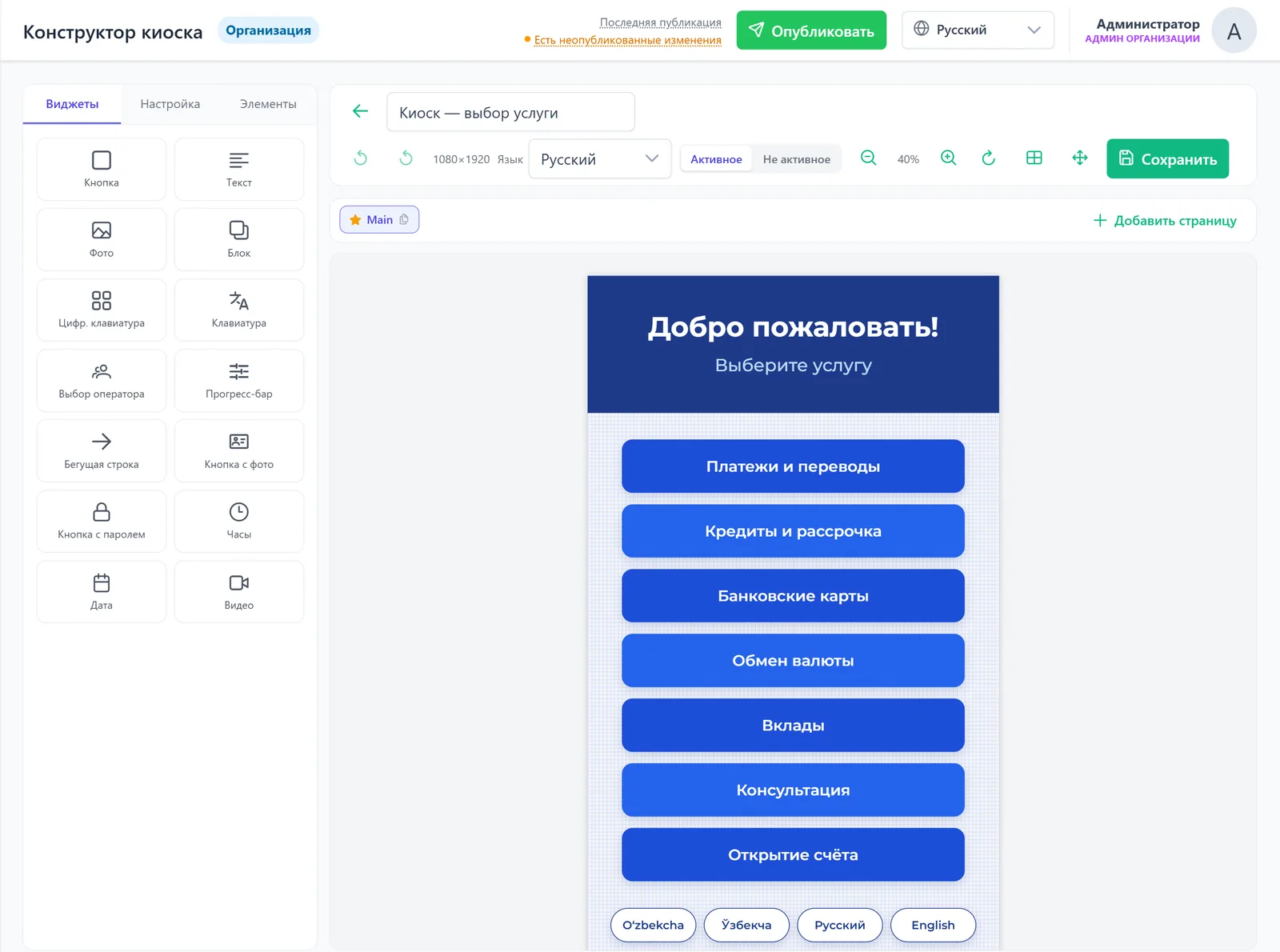
- Service buttons and submenus — in the order that suits your customers
- A menu in 20+ languages: Uzbek (Latin and Cyrillic), Russian, English, Karakalpak and more
- Widgets: photos, video, news ticker, customer data entry
- Changes are collected first, then the “Publish” button
See a fault before the customer calls
In the Mixed option every kiosk in the network is in one dashboard. Any Baraka Texnika kiosk connects, including ones already installed.
elektron-navbat.uz
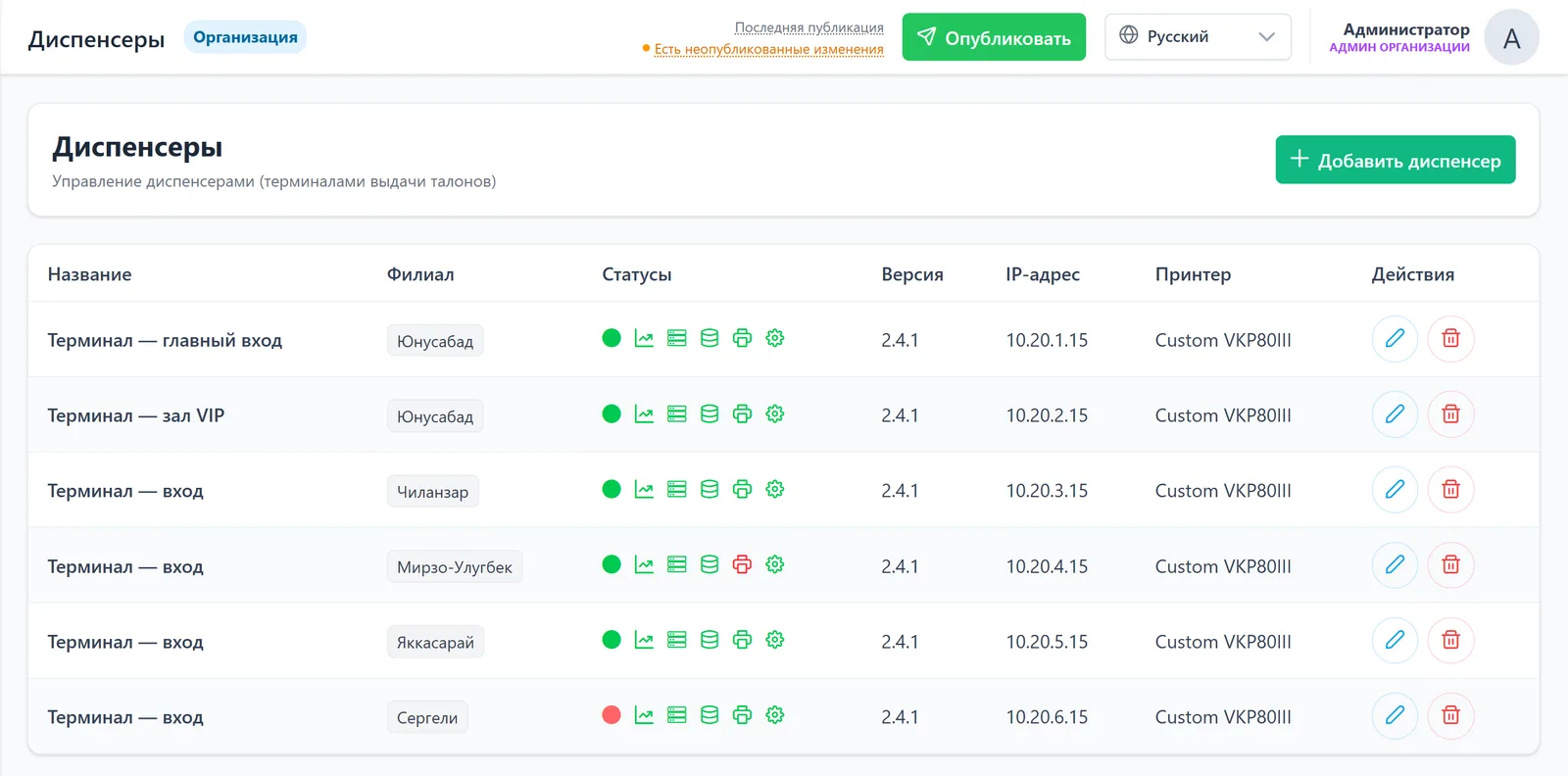
- Printer needs attention — out of paper
- Kiosk offline — visible at once, for every branch
- A new kiosk connects with a one-time code — the “Add” button
Specifications
Common to all models. Dimensions — on the right.
| Screen | Capacitive touch, IPS, 1920 × 1080, 16.7 million colours |
|---|---|
| Printer | Front thermal printer, 80 mm roll, 200 mm/s, 203 dpi |
| Computer | Windows, SSD storage |
| Network | LAN 100 Mbit/s, Wi-Fi |
| Case | Metal, floor-standing, IP42 protection |
| Colour | Black or white as standard; others on request |
| Power | 220 V / 50 Hz |
| Warranty | 1 year |
| Model | Screen | H × W × D, cm |
|---|---|---|
| BT_17 | 17″ | 130 × 40 × 12 |
| BT_21.5 | 21.5″ | 160 × 40 × 12 |
| BT_24 | 24″ | 170 × 40 × 12 |
| BT_32 | 32″ | 180 × 50 × 10 |
Turnkey: from delivery to the first ticket
Free within Tashkent; to the regions — by a transport company.
We install the kiosk, connect it to the system and set up the menu for your services.
We show your receptionist and operators how to work with it.
1 year on the kiosk.
Where they already work
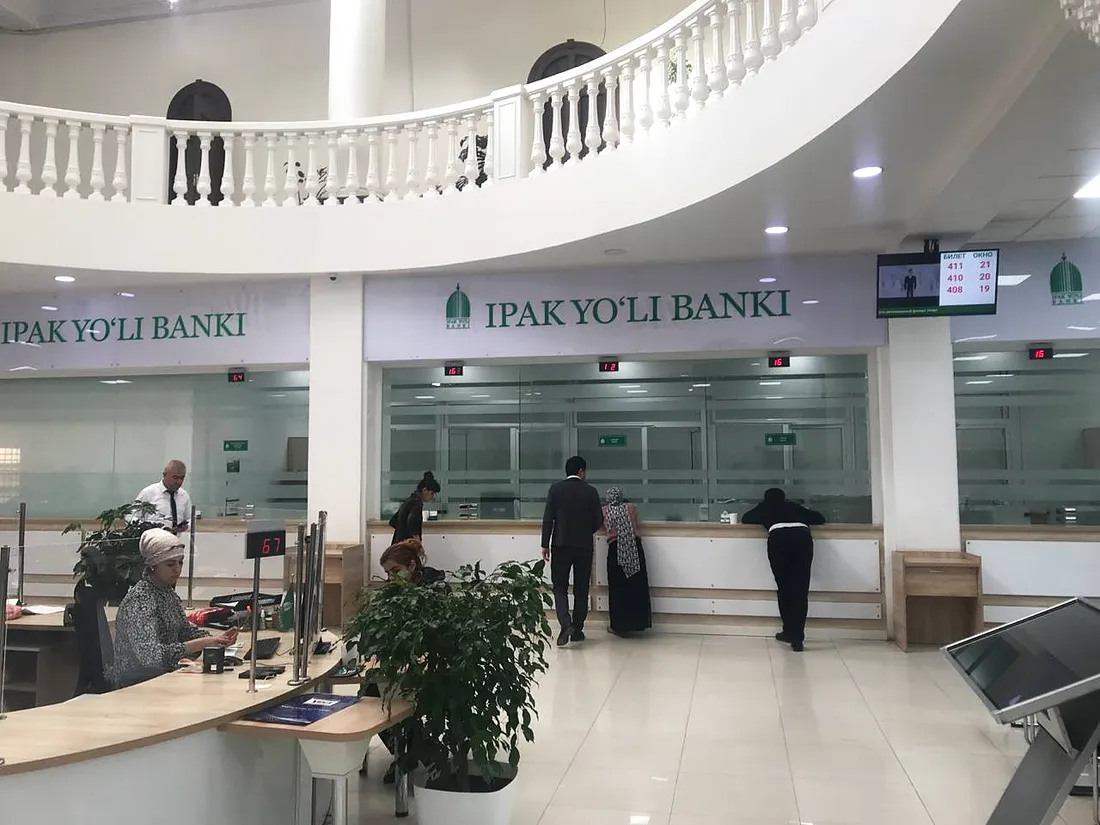
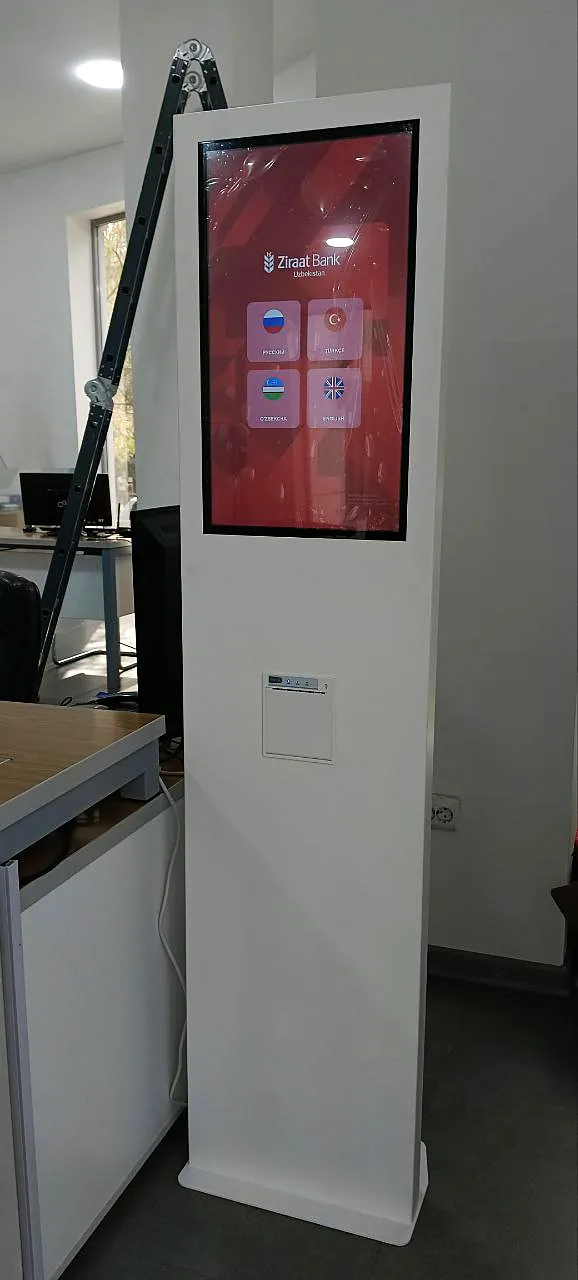
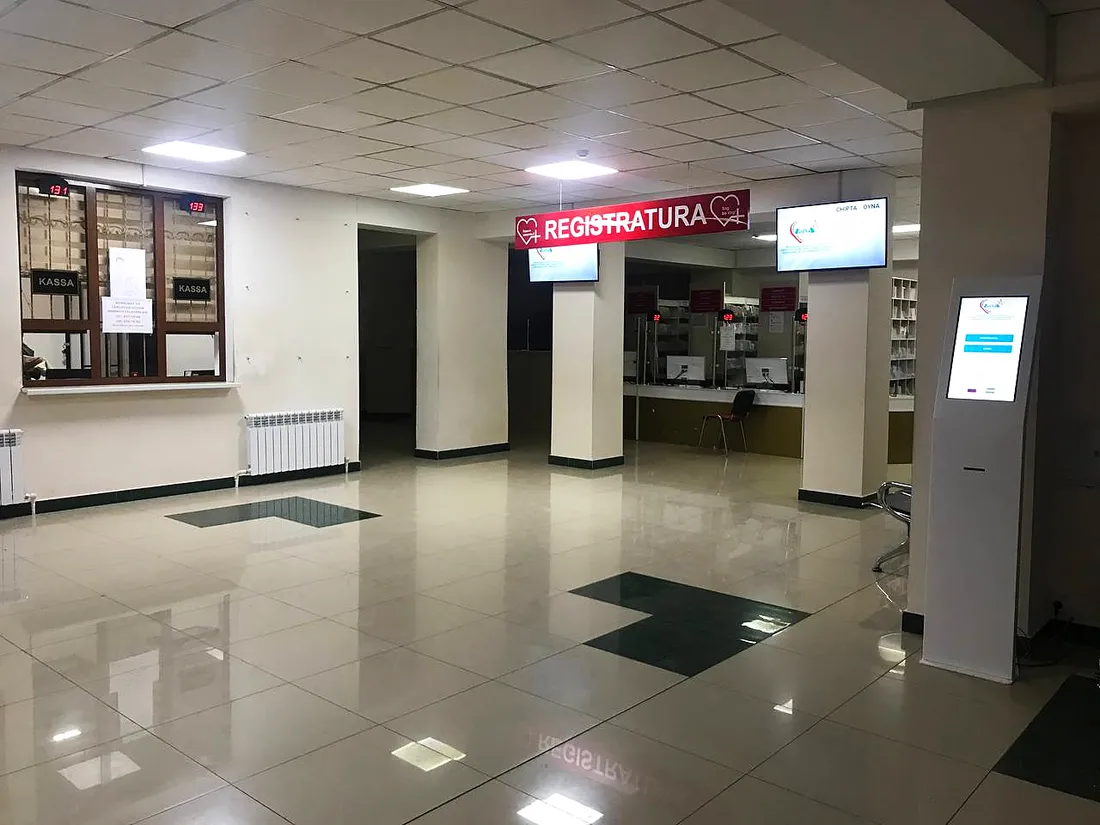
Banks, medical centres, universities and telecom operators across Uzbekistan.
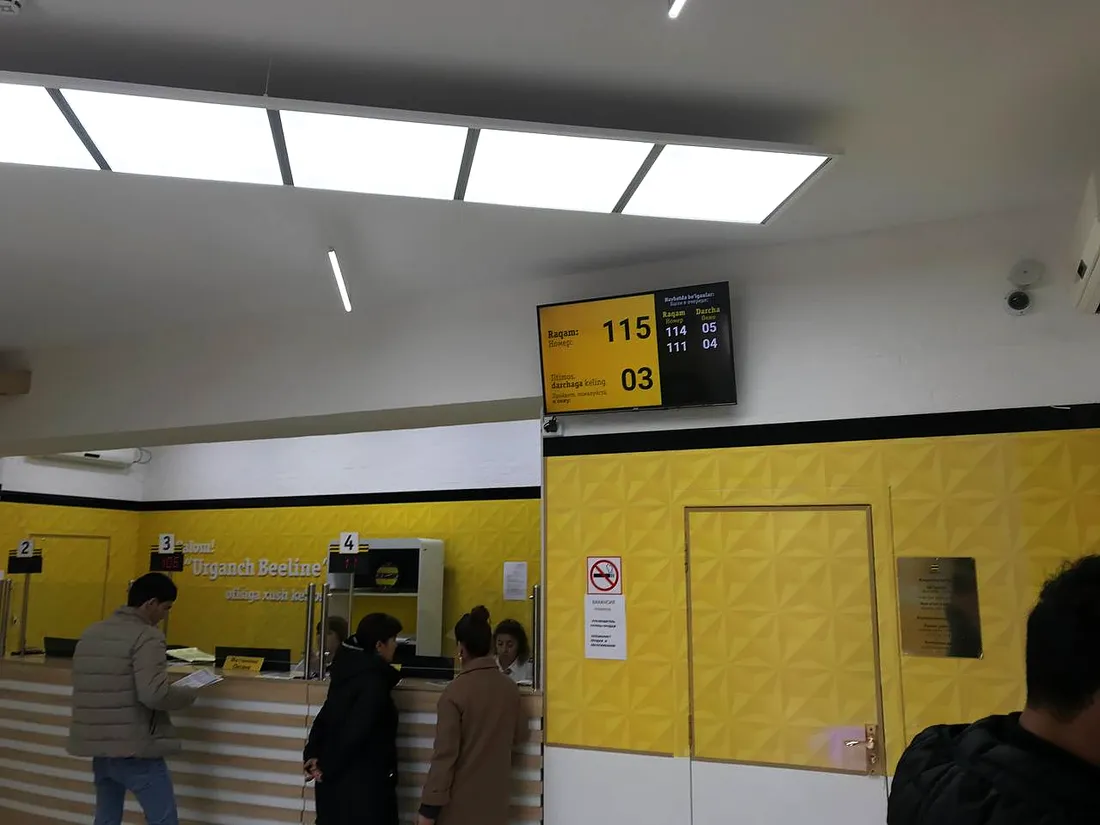
What the kiosk works with
Frequently asked questions
Which model should we choose?
Look at your hall and menu. A small branch with a few services will do fine with BT_17. If there are many services or you need ads on the screen — BT_24 or BT_32. Send us your floor plan and we’ll advise.
Does the kiosk work without internet?
Yes. In the Local and Mixed options the kiosk prints tickets even without internet.
We already have Baraka Texnika kiosks. Will they work with the new system?
Yes. Any Baraka Texnika kiosk connects to the new system, including the cloud dashboard.
Do we need a kiosk in the Online option?
No. In Online the customer gets an e-ticket via a QR code or link; paper tickets are not printed.
Can the case be another colour?
Black and white are standard; other colours on request.
What paper do the tickets need?
An 80 mm thermal roll.
Where can we see the kiosks in person?
At our showroom in Tashkent: 93 Foziltepa Street. Message or call before your visit and we’ll have the models ready.
We’ll pick the right kiosk for your hall
Tell us how many services you have and what your hall is like — we’ll suggest a model and send a quote.