


Electronic queue management system
Customers wait less. You see every branch in real time.
Online booking, ticket terminals, displays, voice calling, service quality rating and reports — in one system. On your own server, online in the browser, or in a mixed setup that keeps running even when the internet goes down.

Trusted by banks, clinics, universities and government agencies


Sound familiar?
Only the people standing in line can see the queue
Managers learn about problems from complaints — after the customer has already gone to a competitor.
Missed your number — back to the end
Customers get angry, staff make excuses, and the hall fills with “I was here first” arguments.
Everyone comes “early, just in case”
Crowds at 10–11 am, empty desks after lunch. Nobody sees the workload in numbers.
An electronic queue solves all three problems — and shows the results in reports.
How it works — through the customer’s eyes
Five steps from booking to report. The customer doesn’t stand in line — they calmly wait for their number.
- 1
Books in advance
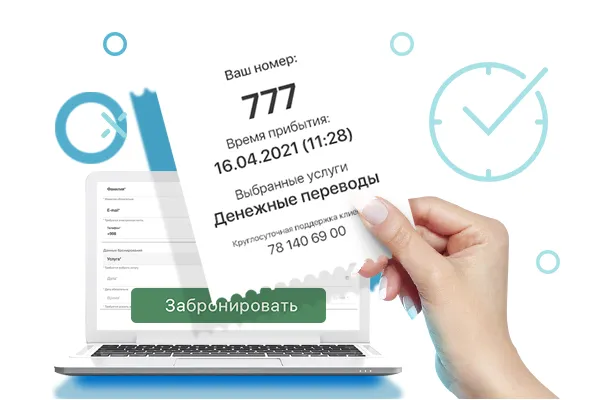
Picks a branch, a service and a free slot up to 30 days ahead — or simply walks in.
- 2
Takes a ticket
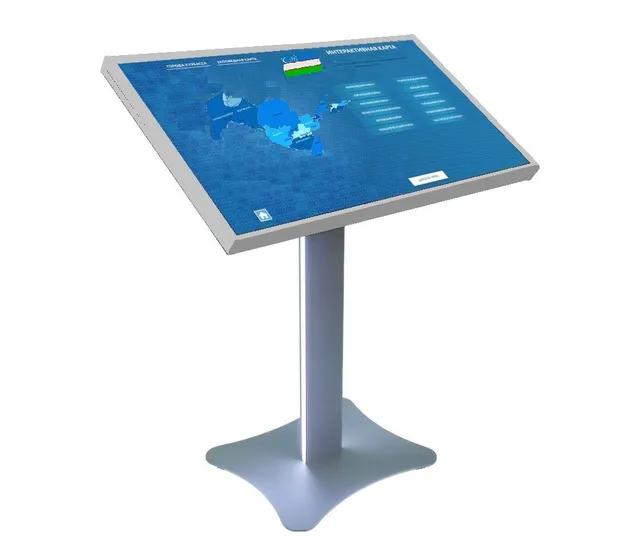
At a touch-screen kiosk, in their own language. With a booking — by the booking code.
- 3
Waits calmly
The number is on the display, a voice announces the call, and the phone shows how many people are ahead.
- 4
Gets served
The operator calls them with a button and can transfer them to another specialist if needed.
- 5
Leaves a rating
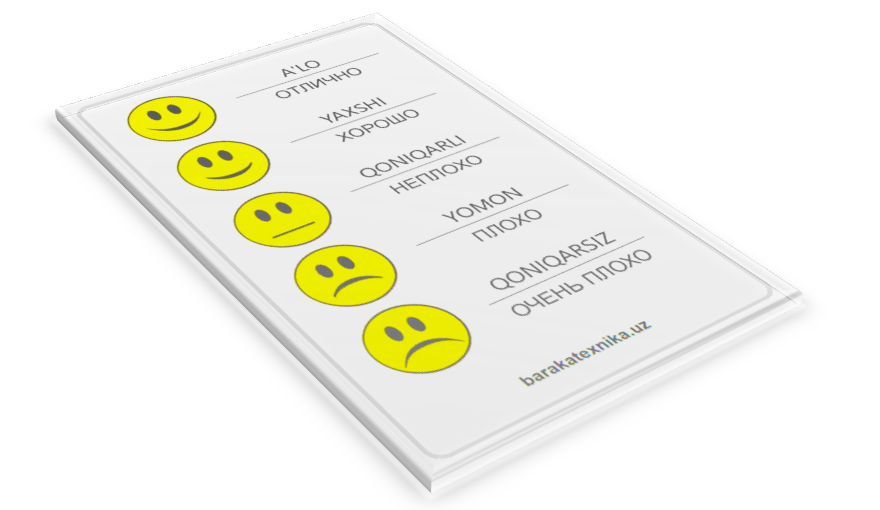
Rates the service at the desk. Waiting and service times go into the reports.
See the system in action
Queue management system — three ways to launch
Choose the option that fits your requirements. The system is modular: e-tickets, online booking, quality rating and other modules work in any option. Kiosks with paper tickets are available in Local and Mixed.
Local
The whole system is installed in your network. In a single office it runs right on the kiosk — no separate server needed; several branches need a server of your own. The queue, settings and reports work inside your organisation, and any module — e-tickets, online booking and others — can be added just as in the other options.
- Independent of the internet
- Data is stored only on your side
- Suitable for closed networks
- Best for
- Banks, government agencies, closed corporate networks — anyone with strict data security requirements.
- How you pay
- You buy a licence once — no monthly fees.
Details for the IT team
The server, database and client components are installed in the customer’s local network. All operations with the queue, settings, users and reports are performed inside the organisation. A single office needs no separate server: the kiosk runs as a client-server application; several branches need a server.
The system works without an internet connection, and data never leaves the local network.
Advantages- Full independence from the internet
- Data is stored on the customer’s server
- High speed inside the local network
- Suitable for isolated and secure networks
- Full control over the server and backups
Mixed
Settings, reports and users live in one online dashboard — no server of your own needed. Each branch has a kiosk with the queue software: it gets its settings from the dashboard and serves customers on its own.
- Manage every branch from one window
- No server of your own needed
- Paper tickets print even without internet
- Best for
- Branch networks and organisations with several service points, especially in regions with unreliable connectivity.
- How you pay
- No software to buy — a subscription per branch and desk, plus kiosks for the branches.
Details for the IT team
The admin panel, settings, reports, users, licences and core data are hosted on a cloud server. Each branch gets a local dispenser (kiosk) with the queue software.
The dispenser receives its configuration from the cloud and keeps serving customers locally. An internet connection is required to sync settings and data between the cloud and the dispenser.
Advantages- Centralised management of all branches from one panel
- Access to the panel from anywhere via the internet
- No server of your own required
- The queue runs locally on the dispenser
- Centralised reports and data backup
Online
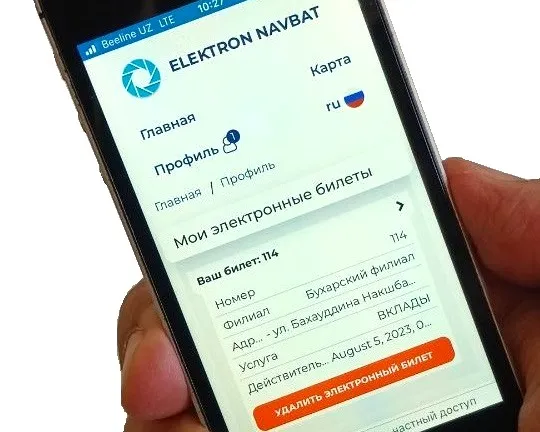
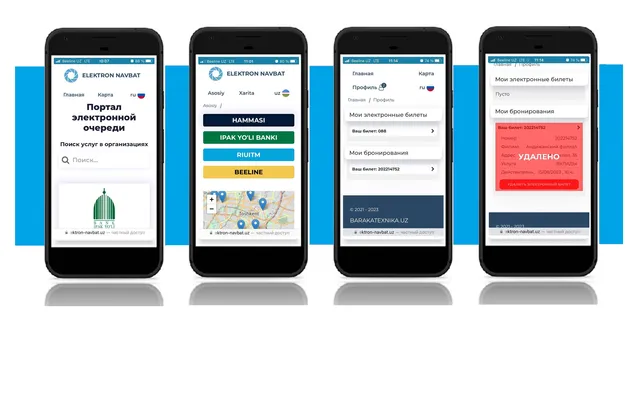
Everything runs in the browser — no kiosks and no paper tickets. The customer gets an e-ticket via a QR code or link and tracks their place in the queue on their phone. The operator calls them from the browser on any device.
- Nothing to install
- Works on a computer, tablet or phone
- Updates arrive automatically
- Best for
- Small offices, service centres, clinics, remote operators — anyone who wants to start fast with minimal investment.
- How you pay
- A subscription per branch and desk — monthly or yearly. No server or equipment to buy.
Details for the IT team
No server, dispenser or extra equipment is required: all core functions work in the browser.
Customers get e-tickets through the web interface, and operators serve visitors through a browser console. In this mode the hall TV display, online booking and quality rating from the customer’s phone are available; the local dispenser and paper tickets are not used.
Advantages- No software or equipment to install
- Fast launch
- Access from a computer, tablet or any device with a browser
- Centralised updates and maintenance
- Minimal infrastructure requirements
Not sure? Answer three questions
1. Must your data be stored only on your own server?
2. Is the internet stable in your branches?
3. Do you need paper tickets — for example, for customers without a smartphone?
Answer the questions — we’ll show the right option.
Local is right for you
The system and data stay inside your network; no internet needed.
Get a quote →Mixed is right for you
All branches in one dashboard, paper tickets are printed, and the queue won’t stop during outages.
Get a quote →Online is right for you
A quick start with no equipment or installation: e-tickets, calling from the browser, one dashboard for all branches.
Request a demo →Organisation dashboard: your whole network on one screen
Screenshots of the system with demo data.
 elektron-navbat.uz
← swipe the screenshot →
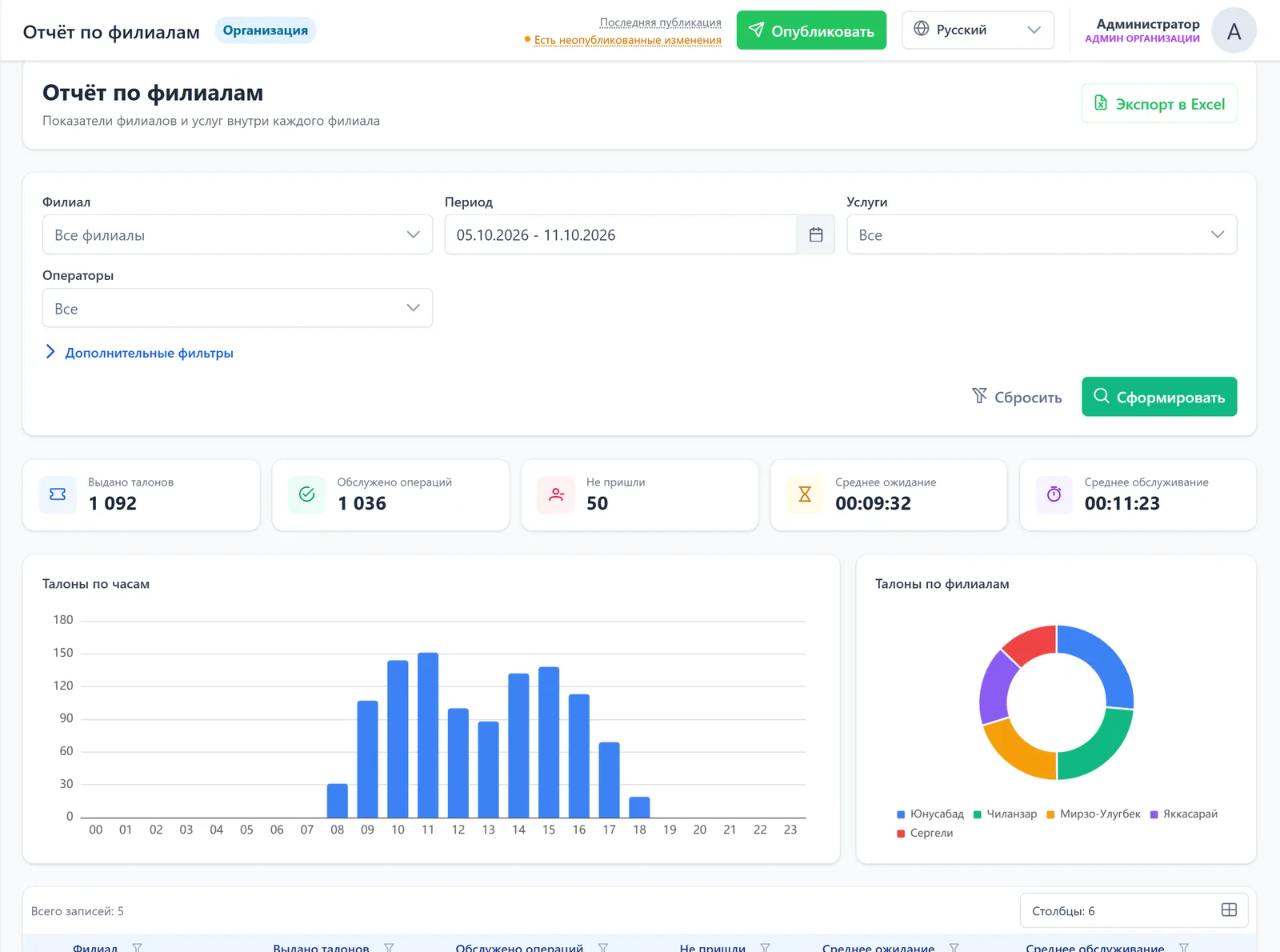
Compare branches over any period
- Issued, served and no-shows — for every branch
- Average wait and service time: see where customers wait longer than the norm
- Export to Excel in one click
- 1Network-wide average wait
elektron-navbat.uz
← swipe the screenshot →
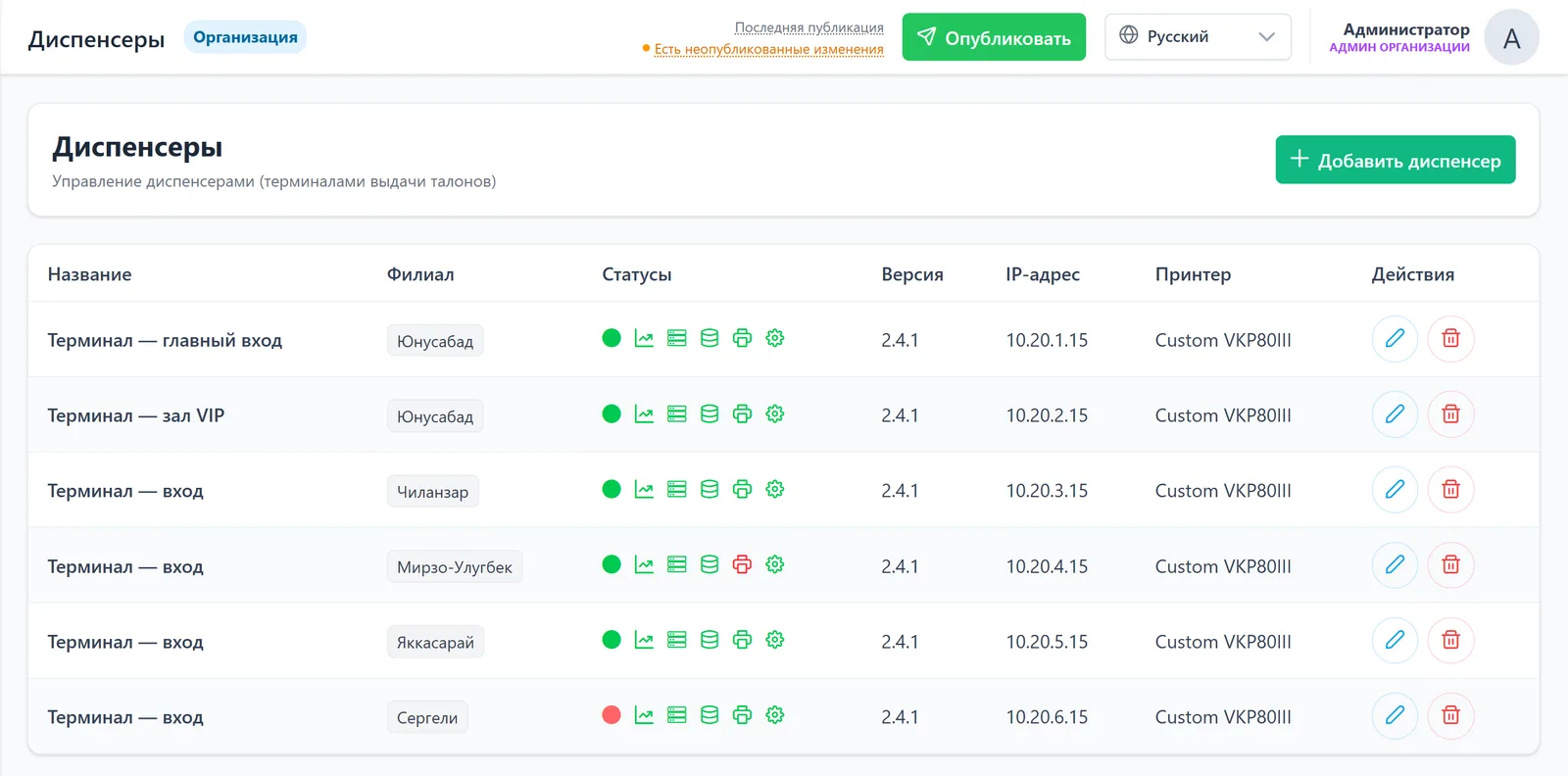
See a fault before the customer calls
- Connection, printer, CPU and memory of every kiosk — in real time
- A new kiosk connects with a one-time code
- 1Printer needs attention
- 2Kiosk offline
- 3Changes go live with the “Publish” button: immediately, after a restart or on a schedule
elektron-navbat.uz
← swipe the screenshot →
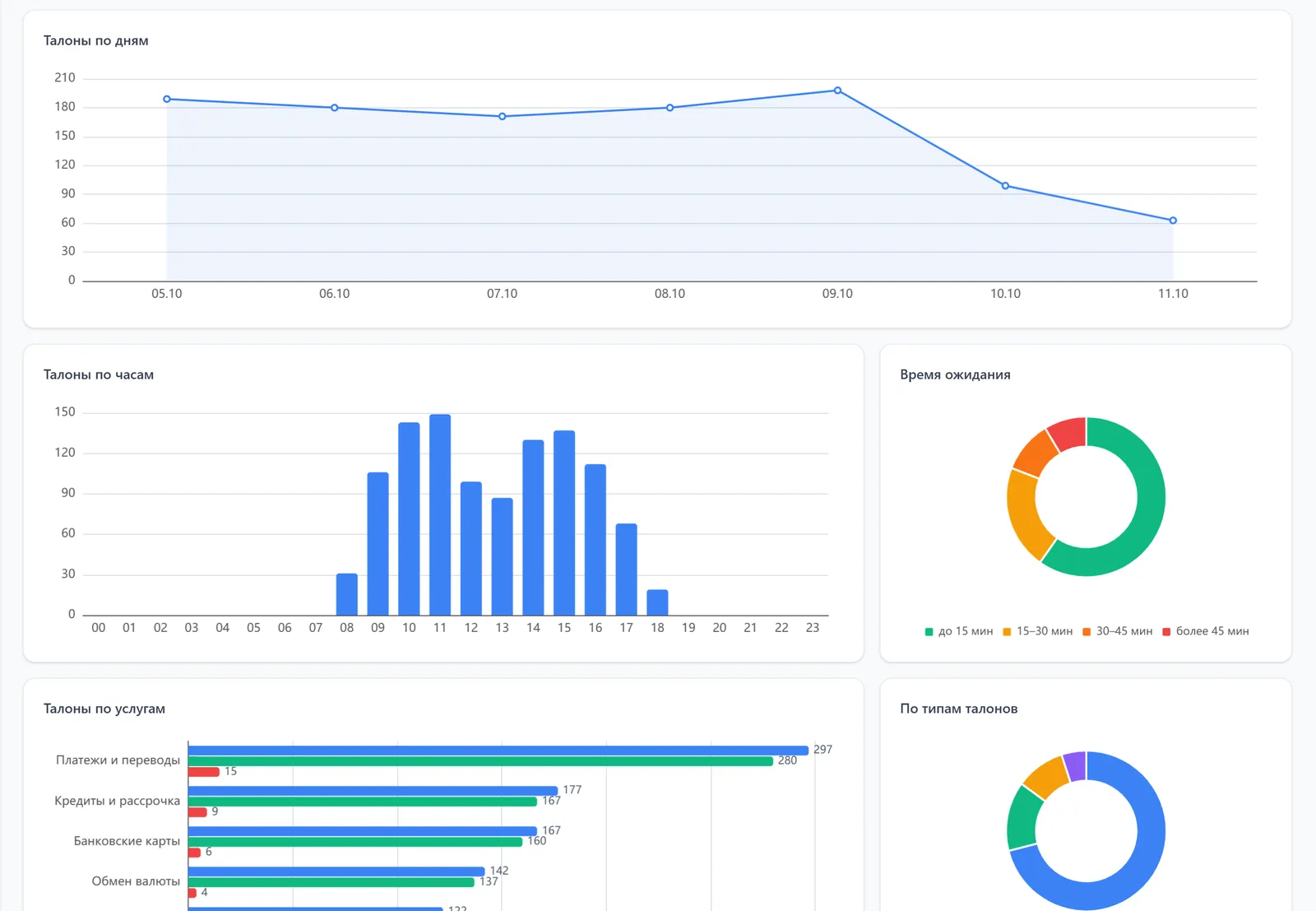
Where and when queues build up
- Tickets by day and hour — see peaks and quiet hours
- Waiting time: under 15 min, 15–30, 30–45, over 45
- Reports by service, branch, operator and ticket group
- 1Peak load at 11:00
elektron-navbat.uz
← swipe the screenshot →
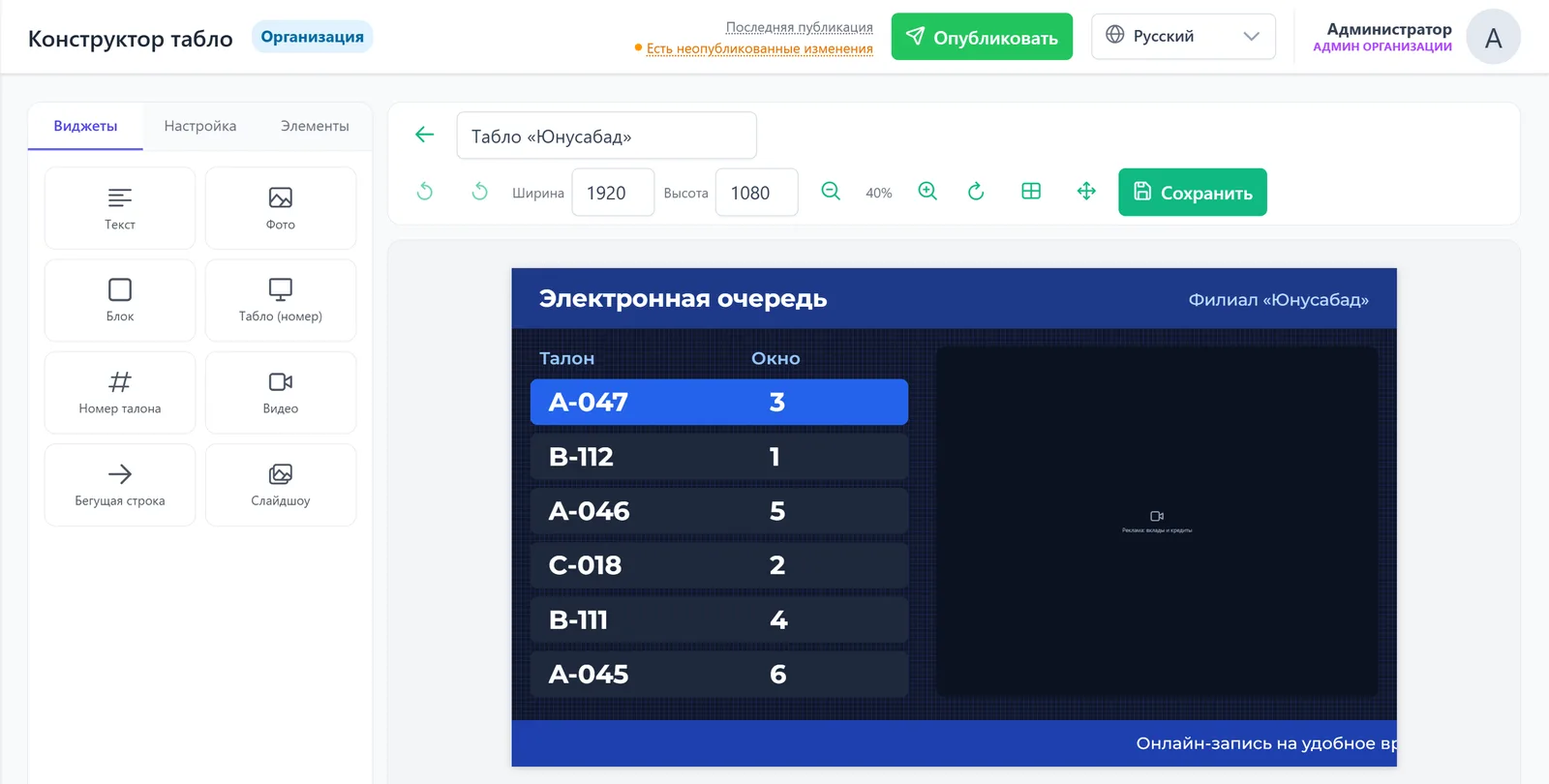
Displays in your brand style
- Designer: numbers, desks, video, news ticker
- A separate design for each branch
- An intuitive interface — drag and drop
- 1Call А-047 → desk 3
elektron-navbat.uz
← swipe the screenshot →
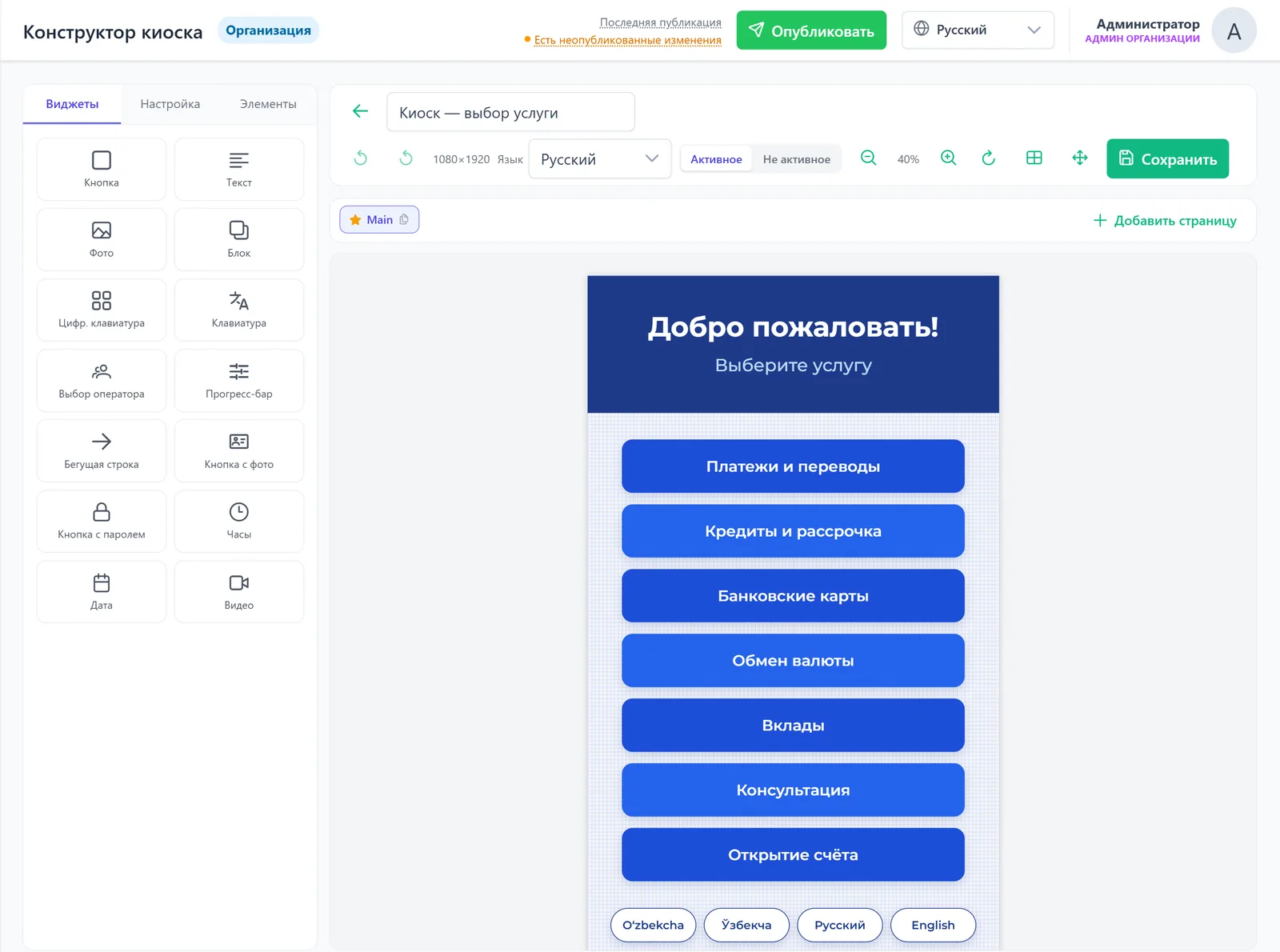
Build the kiosk menu in minutes
- Service buttons, languages, photos, video, customer data entry
- A customer menu in 20+ languages
- Changes are collected first, then “Publish”
System modules
The system is modular: the basic queue works right away, and other modules are added as needed — in any of the three options, now or later.
Welcome the customer
Call and serve
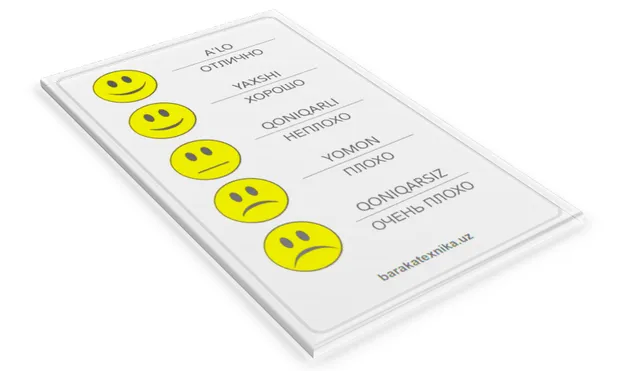
Control quality

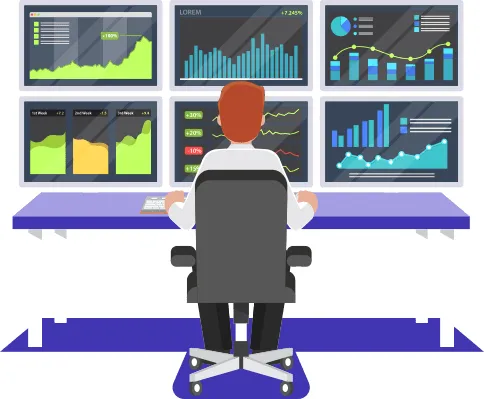
Analyse and manage

By industry
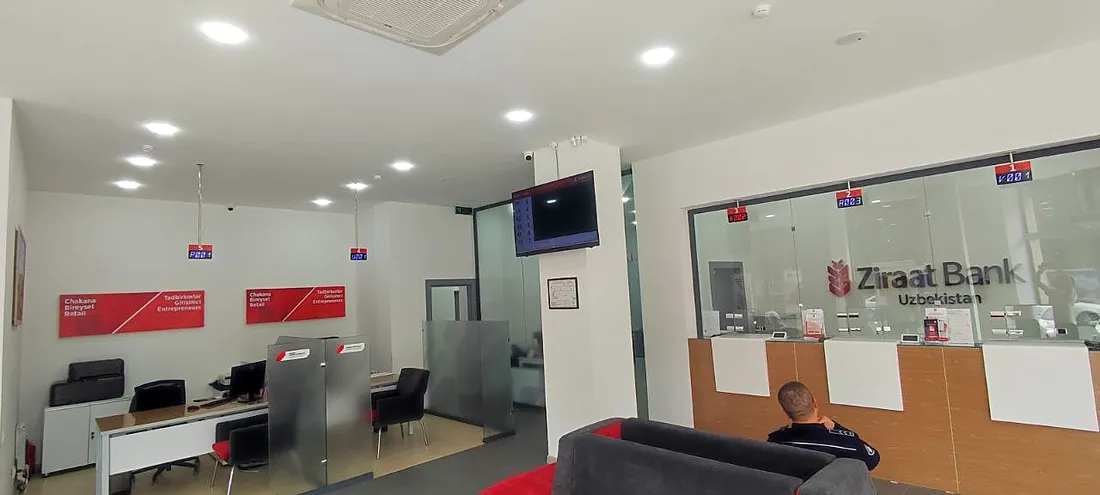
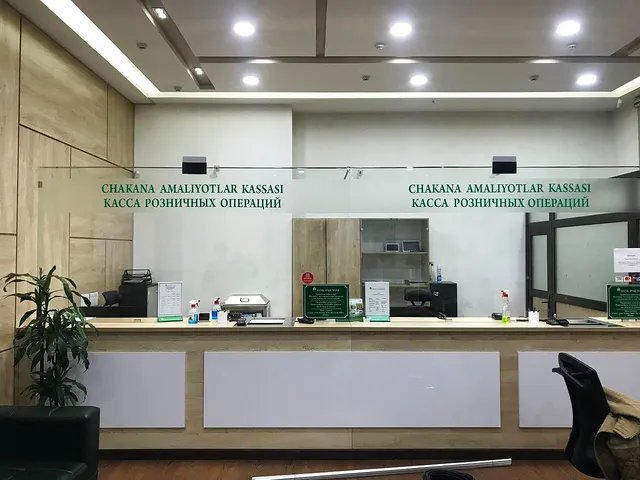 BanksLoans, deposits, cashier, VIP — each with its own flow and desk report
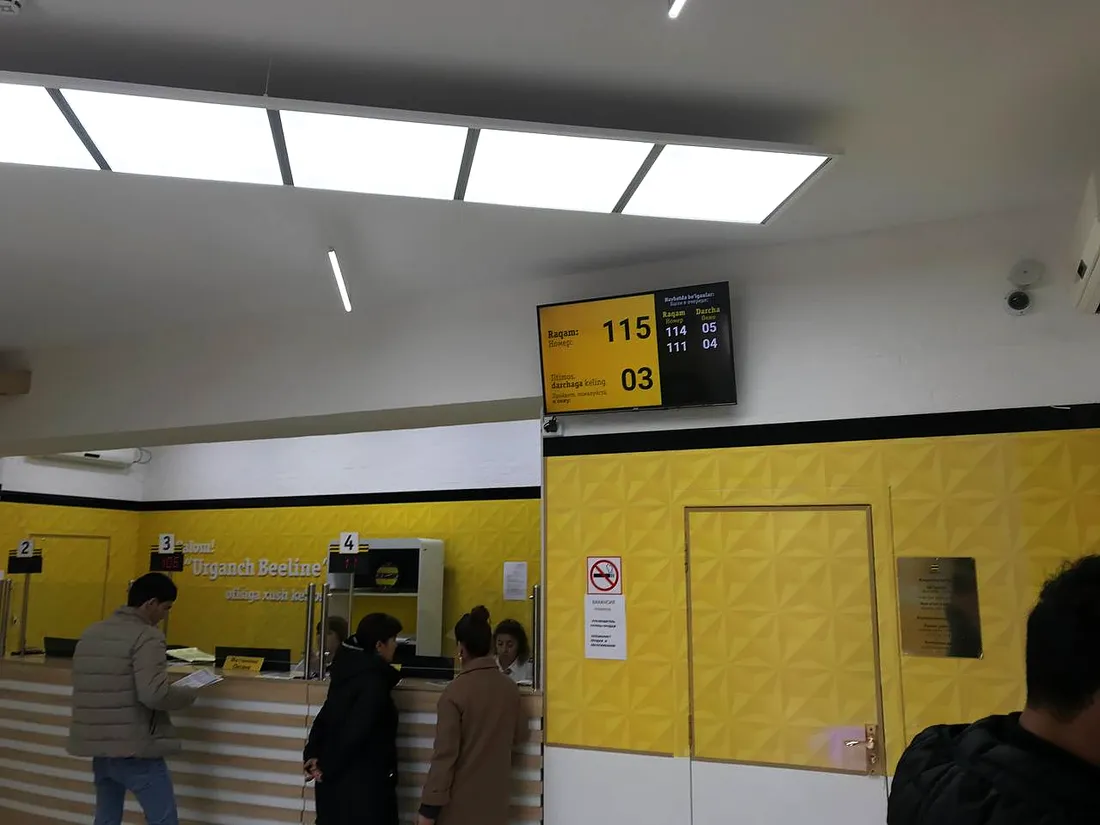
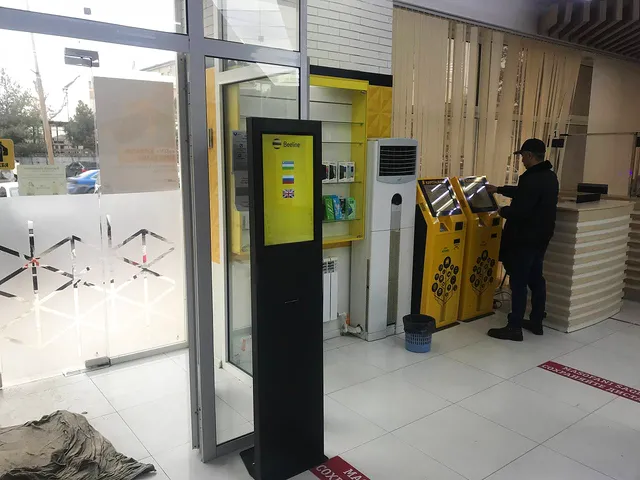 Telecom companiesSubscriber offices: services, priorities and quality rating
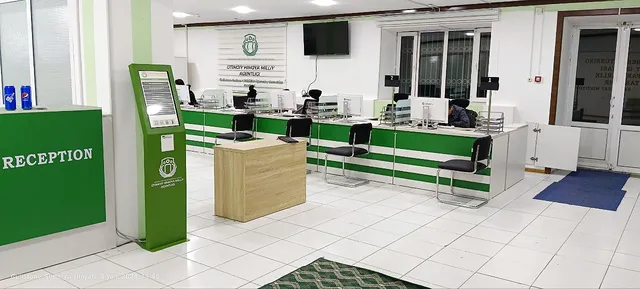 Government agenciesPublic service centres: tickets by service, booking, transparent reports
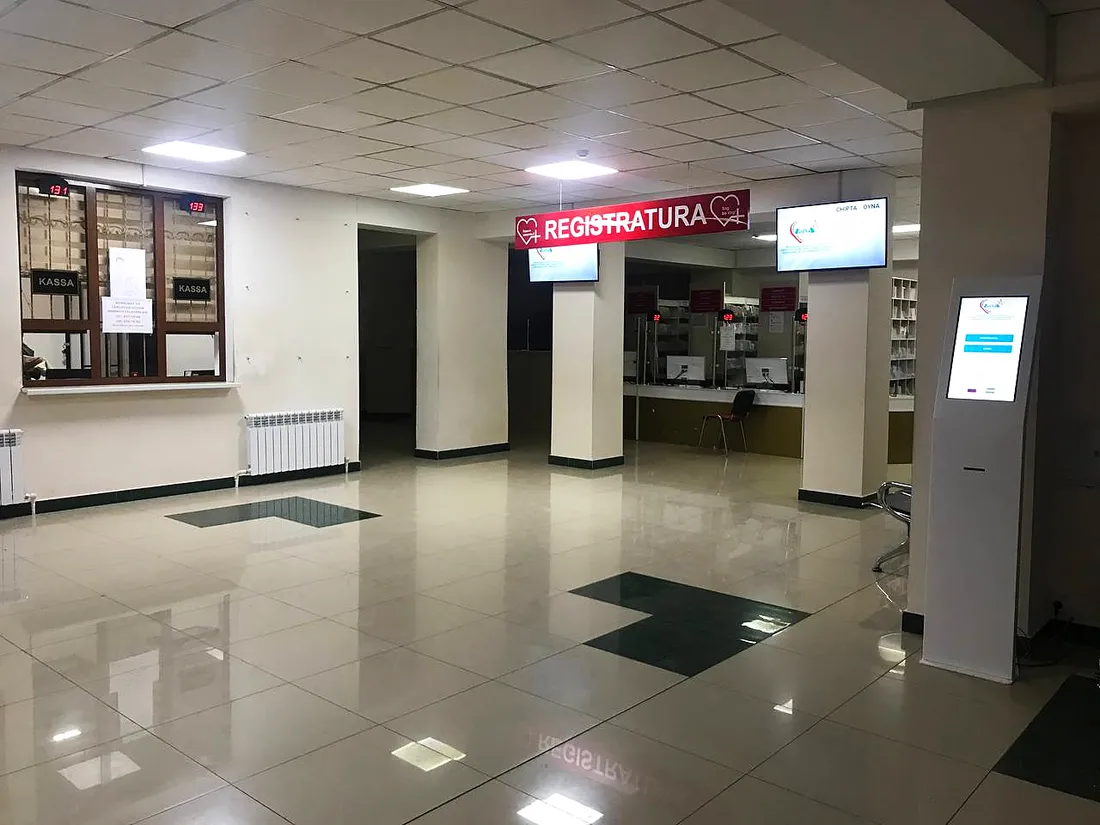
 HealthcareClinics and hospitals: registration desk, doctors’ rooms, patient routing
Where it already works
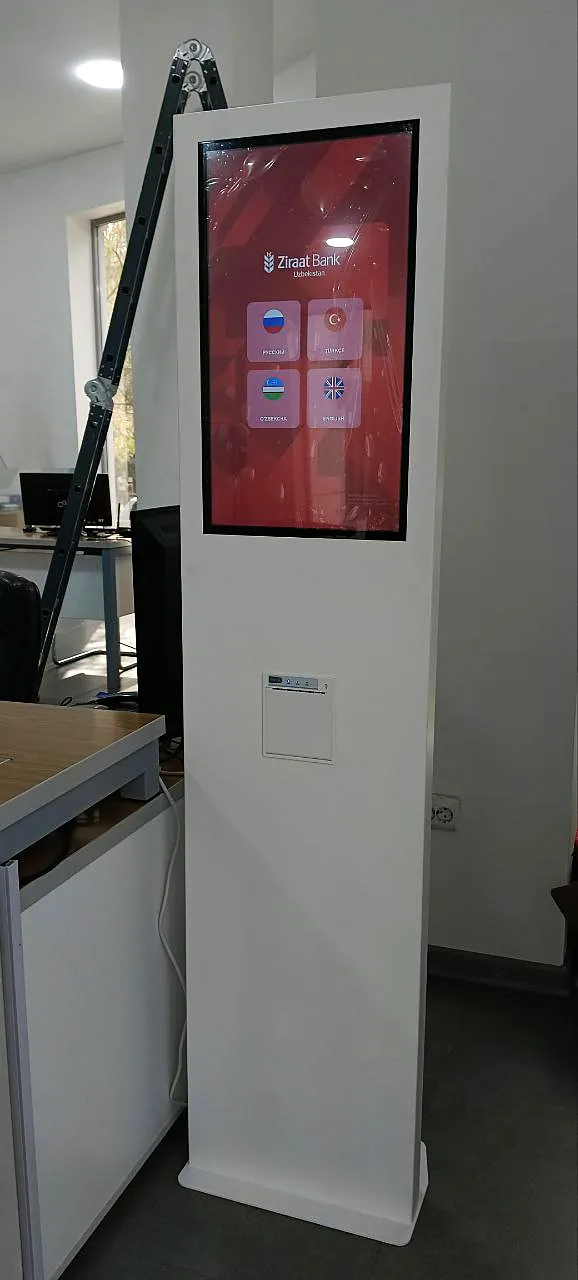
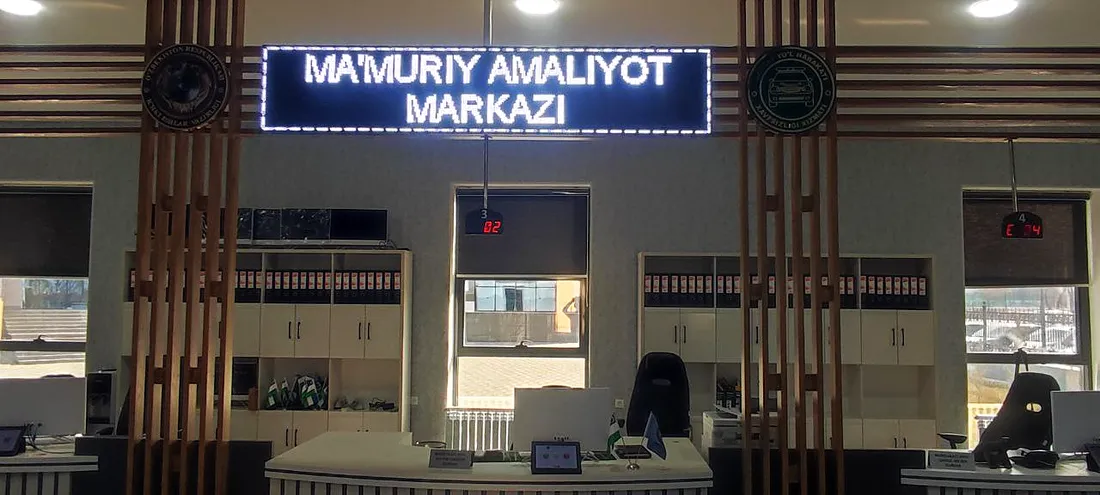
Banks, medical centres, government agencies and telecom operators across Uzbekistan.
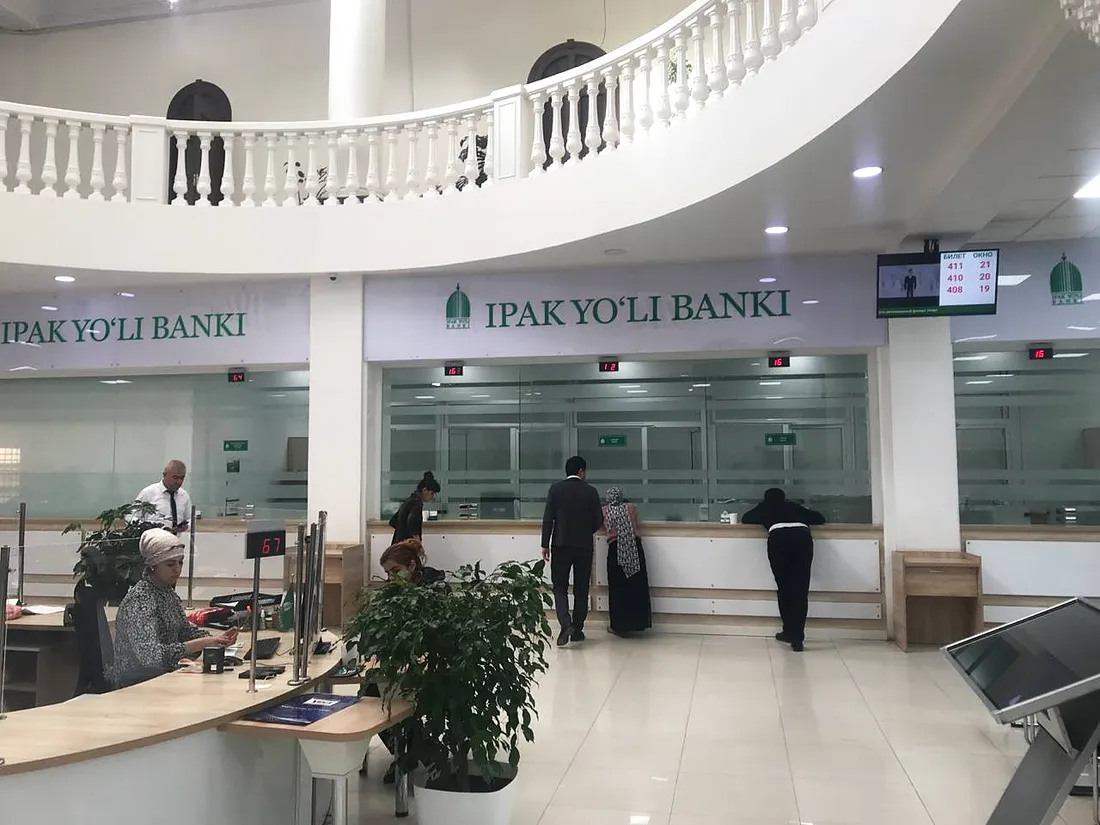
Solutions for your industry
🏦 Electronic queue for banks
We cut waiting times in branches, distribute customers by service type — loans, deposits, currency exchange — and support priority service for VIP clients. Managers get analytics on desk workload and service quality ratings.
Learn more →🏥 Electronic queue for clinics
Booking appointments with doctors and the front desk without a physical queue, routing patients between consulting rooms, voice and visual announcements. We reduce crowding and the workload on front-desk staff.
Learn more →🏛️ Electronic queue for government agencies and public service centres
We organise citizen reception at public service centres and one-stop offices: tickets by service type, advance booking, information display boards and analytics. Transparency and order in serving the public.
Learn more →🏬 Electronic queue for shopping centres
Queue management at checkouts, pickup points and service desks, plus a mobile queue via QR code. Fewer abandoned services and higher customer loyalty.
Learn more →🎓 Electronic queue for universities and colleges
Admissions offices, deans' offices and accounting without student crowding: advance booking, room navigation and a service schedule for educational institutions.
📡 Electronic queue for telecom operators
Serving subscribers in mobile operator offices: distribution by service, priority flows and quality assessment. A faster queue means higher customer satisfaction.
Equipment for the electronic queue
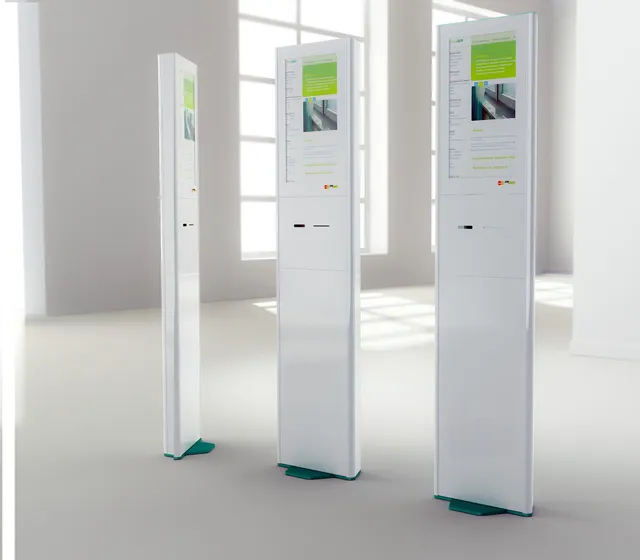
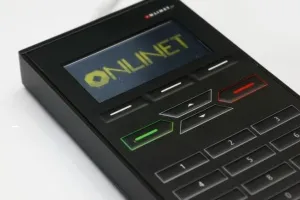
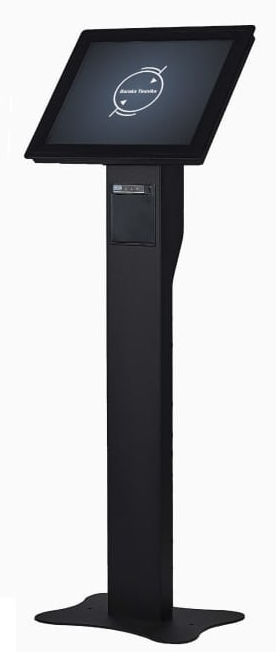
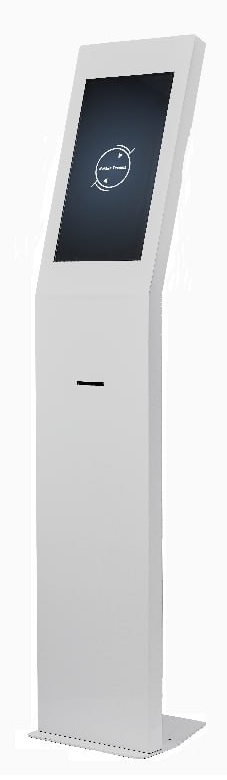
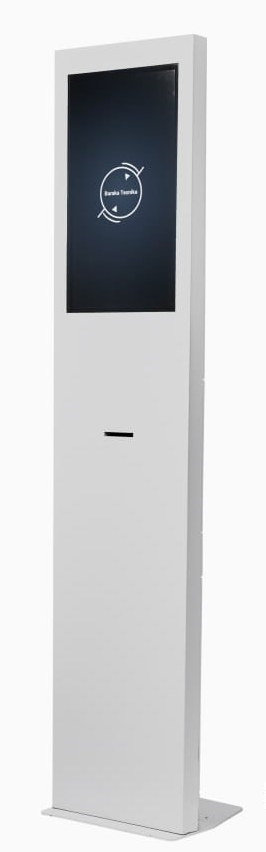
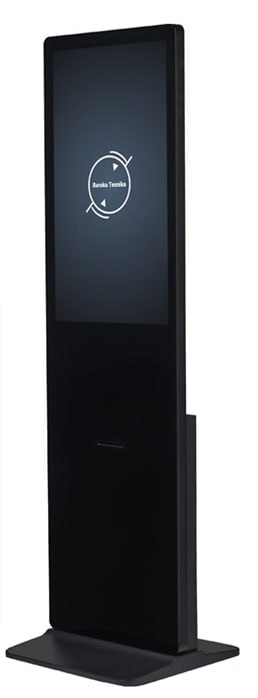
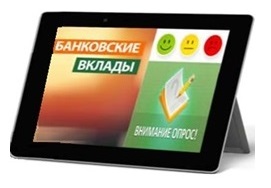
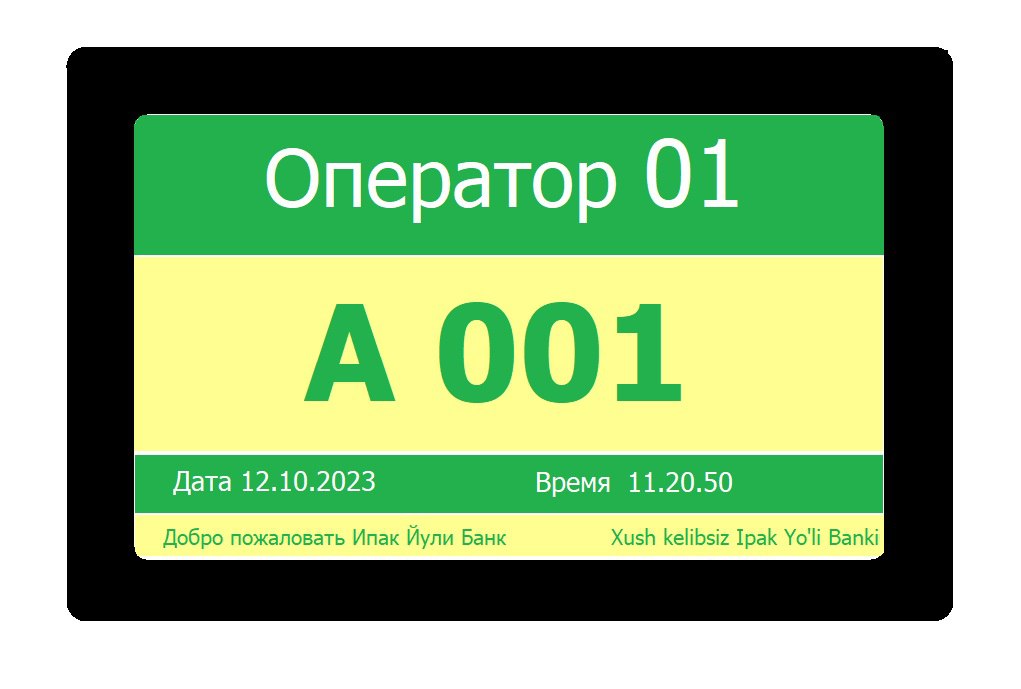
Ticket terminals, operator displays and quality rating devices — for the Local and Mixed options. The hall TV display works in all three options. All equipment and software are in our shop.

Frequently asked questions
What happens if the internet goes down?
It depends on the option. Local doesn’t need the internet at all. In Mixed the queue keeps working: tickets are issued and customers are called; reports, online booking and e-tickets resume when the connection is back. Online works only over the internet.
Can the system be installed on our own server?
Yes, that is the Local option: a one-time licence, with the system and data staying inside your network. A single office needs no separate server — the system runs right on the kiosk; several branches need a server of your own.
We already have an electronic queue. What happens to our equipment?
Baraka Texnika kiosks, displays and consoles connect to the new system. If your equipment is from another manufacturer, send us the models and we’ll check compatibility.
How much does it cost?
Local is a one-time licence; Mixed and Online are a subscription per branch and desk, monthly or yearly. Modules — e-tickets, online booking, reports and others — can be added in any option. We’ll calculate the exact price based on the number of branches, desks and modules; equipment is available in our shop.
Can we see the system first?
Yes. We’ll show the system in action with demo data: the dashboard, reports, and the display and kiosk designers.
Which languages does the system support?
The kiosk menu supports 20+ languages, including Uzbek (Latin and Cyrillic), Russian, English and Karakalpak. The organisation dashboard is available in 13 languages.
How can we monitor operators’ work?
Quality ratings are linked to the ticket and operator, service recording helps resolve disputes, and the operator report shows who served how many customers and how many were transferred.
Let’s size your queue
Tell us how many branches and desks you have — we’ll pick the right option and prepare a quote.
More about the electronic queue management system
Queue Management System (QMS)
The electronic queue is a hardware-and-software solution for automating customer intake and service. It eliminates physical queues, reduces waiting time and improves service quality in any industry.
Baraka Texnika is a developer and manufacturer of electronic queue systems in Uzbekistan. Over 13 years we have delivered more than 200 projects in banks, clinics, government agencies, shopping malls and educational institutions.
What does deploying a QMS give you?
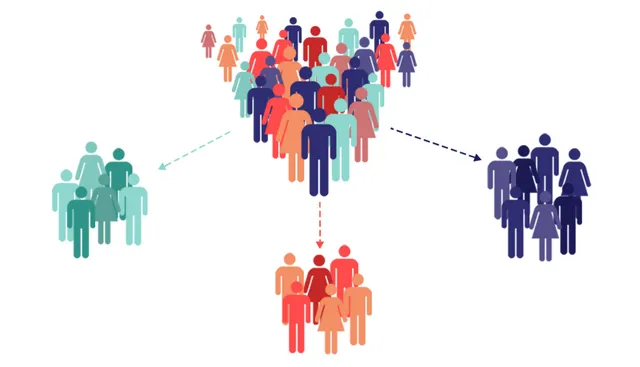
- An orderly customer flow — automatic distribution across services and desks, without conflicts or crowding.
- Online booking and notifications — customers choose a convenient time and receive reminders.
- Higher loyalty — comfortable waiting increases satisfaction and repeat visits.
- Staff efficiency — operators work at a steady pace, according to the workflow.
- Analytics and reporting — real-time data on workload, KPIs and service times.
What is included
- Touch-screen terminal for issuing electronic tickets
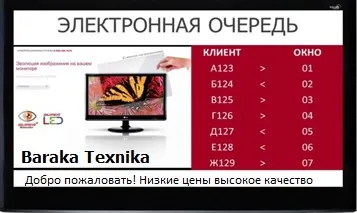
- Information display board showing the numbers being called
- Operator workstation — a software calling console
- Software with analytics and monitoring modules
- Voice announcement when a customer is called
- Integration with government and corporate systems of Uzbekistan
Areas of application
- Banks and microfinance institutions — distribution across services, priority calling, CRM integration
- Medical facilities — doctor appointments, online registration, SMS notifications
- Government agencies (public service centres) — electronic tickets, service quality assessment
- Retail and services — flow management, checkout areas, fitness clubs and salons
- Education — admissions offices, registries, student services