


E-TICKET
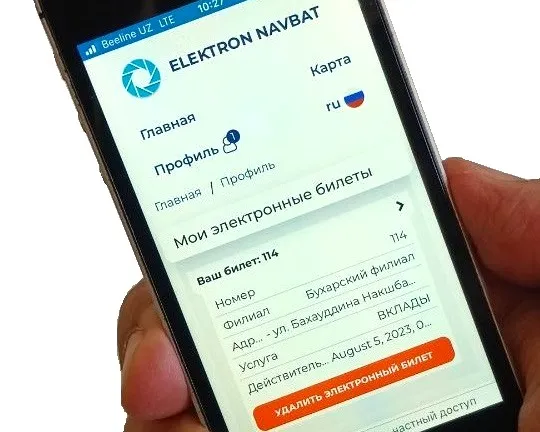
Customers no longer sit in the hall guessing when they’ll be called: their number, the people ahead and the waiting time are on their phone.
The ticket opens from a QR code or a link — in a web app or in Telegram. It shows the queue, announces the call and, after the visit, asks for a rating. Works in every system option.
What changes in the hall
No need to wait in the hall
The phone shows how many people are ahead and how long to wait — customers come back for their call.
Fewer “how much longer?” questions
Number, queue and waiting time are always in view — the front desk isn’t distracted.
Feedback while it’s fresh
After the visit the ticket asks for a rating, and each rating is linked to the ticket and operator.
How it works
Four steps — from a QR code to a rating.
-
The customer opens the ticket
Points the camera at a QR code or follows a link — the ticket opens in a web app or in Telegram.
-
Sees the queue
Their number, how many people are ahead and the estimated waiting time.
-
Gets the call
The ticket shows: “Your turn: desk 3”.
-
Rates the service
Right after the visit — in the ticket itself.
What customers see
Everything needed to skip standing in line: number, queue, time, call and rating.
-
Ticket numberTheir own number — big, like on a paper ticket.
-
People ahead of youThe queue shrinks before their eyes.
-
Waiting timeThe estimated time until the call.
-
The callWhich desk or room to go to.
-
Service ratingRight after the visit; each rating is linked to the ticket and operator.
Two channels — in every option
Customers choose what suits them: the browser or Telegram.
Opens in the phone’s browser from a QR code or a link — nothing to install.
The ticket lives in a messenger the customer already has.
| Option | E-ticket |
|---|---|
| Local | Works |
| Mixed | Works while there is an internet connection |
| Online | Instead of a paper ticket — for booked customers too |
Where our queue system already works
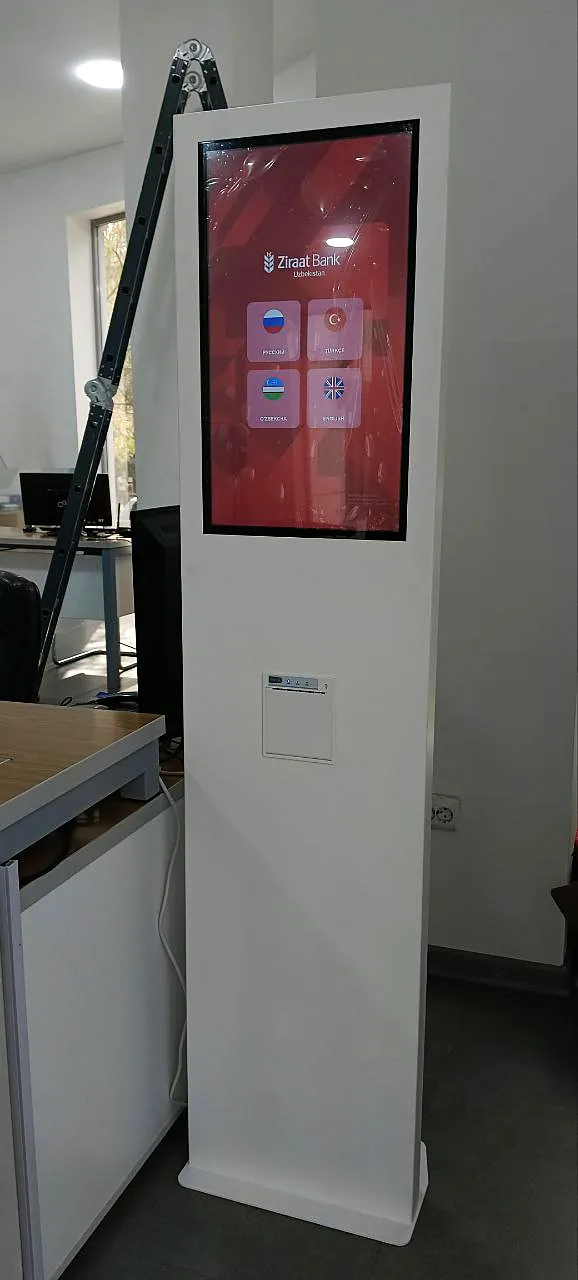
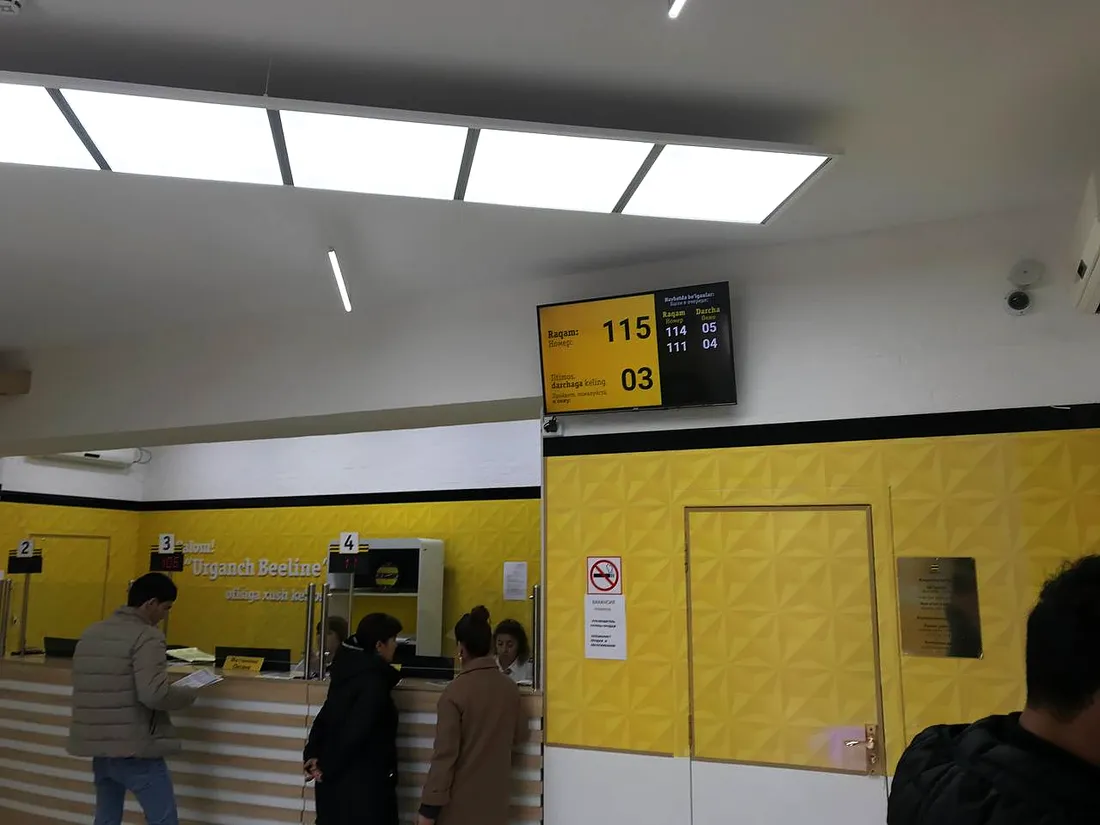
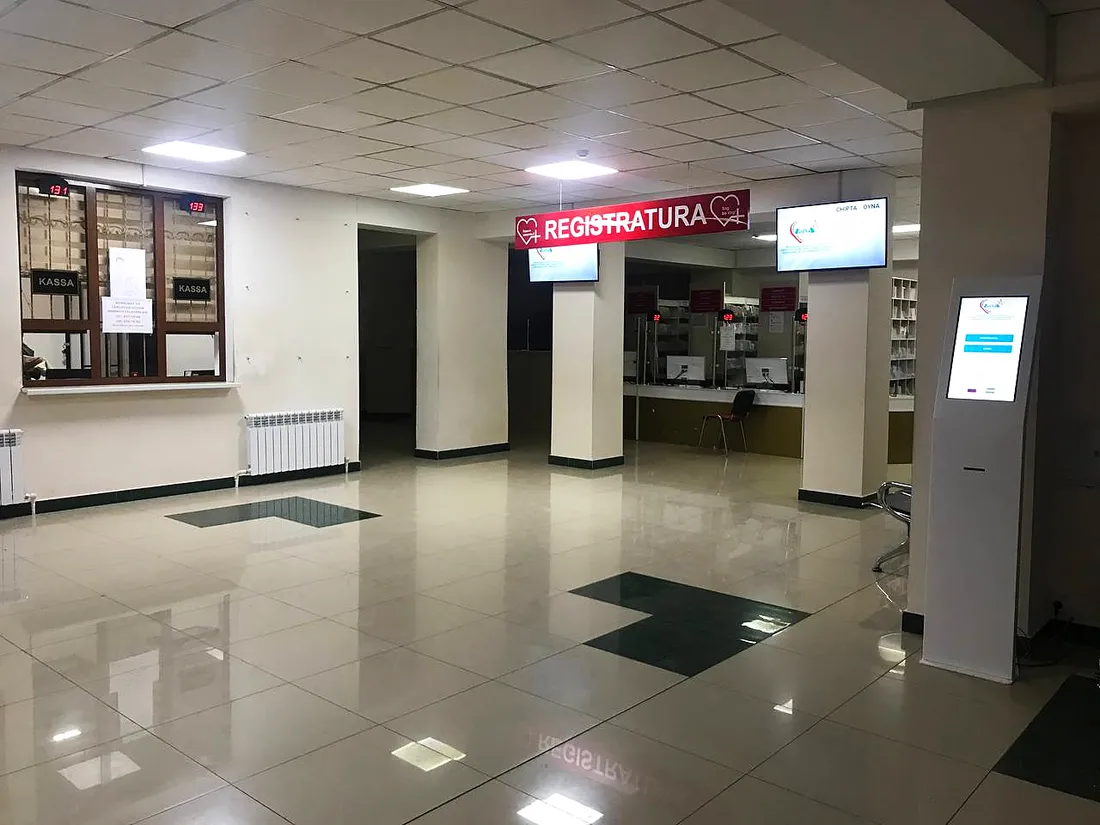
Banks, medical centres, universities and telecom operators all over Uzbekistan.

What the e-ticket works with
Frequently asked questions
Do customers need to install an app?
No. The ticket opens in a web app in the phone’s browser or in Telegram.
How do customers get an e-ticket?
From a QR code or a link.
What does the ticket show?
The ticket number, how many people are ahead, the waiting time, the call to a desk or room and the service rating.
How does a customer know they’re being called?
A call with the desk or room number appears in the ticket. If the hall has displays and voice calling, the number appears there too.
Which options include it?
All three: Local, Mixed and Online. In Mixed, the e-ticket works while there is an internet connection.
Can we do without paper tickets?
In the Online option there are no paper tickets — only e-tickets, booked customers included.
Can customers rate the service?
Yes, right in the ticket after the visit. Each rating is linked to the ticket and operator.
We’ll show the e-ticket on your phone
Tell us about your branches and services — we’ll run a demo and send a quote.