


ONLINE BOOKING
No more crowd at opening time: customers pick a time on your website, in Telegram or by QR code — and come at their own time instead of queuing from the morning.
Booking up to 30 days ahead: branch, service, time. Confirmation and reminder by SMS and in Telegram. Booked customers are served at the time they chose.
What changes at the branch
No crowd at opening
Visits spread across the day: everyone comes at their own time rather than queuing from the morning.
The day is known in advance
You know ahead how many customers have booked and for which services — easier to plan desks and staff.
Fewer “when should I come?” calls
Customers see free times themselves and reschedule or cancel wherever they booked.
How booking works
Four steps — from the customer’s phone to the operator’s desk.
-
The customer picks a time
Branch, service and a free slot up to 30 days ahead — on the website, in Telegram or by QR code. Gets a booking code right away.
-
Gets a confirmation and reminder
By SMS or in Telegram — so the visit isn’t forgotten.
-
Arrives 15 minutes early
Enters the booking code at the kiosk and gets a ticket; in the Online option the ticket is an e-ticket. The arrival time is configurable.
-
Is served on time
A booked customer is called at the chosen time: bookings take priority.
Three ways to book
Customers book wherever suits them and enter only what’s needed.
Booking right on your website: the customer picks a branch, service and free time.
Booking in Telegram: the customer gets the confirmation and reminder right there and can reschedule or cancel.
A QR code at the entrance, on a leaflet or in an ad: the customer points the phone camera and opens the booking.
Booking rules
Clear rules for customers and for the branch. Marked rules are configured for your organisation.
- Booking — up to 30 days ahead.
- Confirmation and reminder — by SMS and in Telegram.
- Arrive 15 minutes before the booked time and get a ticket at the kiosk with the booking code (in the Online option — an e-ticket).configurable
- Late arrival is allowed — within a set grace period.configurable
- A booked customer is called at the chosen time — bookings take priority.
- One customer — one booked ticket.configurable
- A booking can be rescheduled or cancelled on the website or in Telegram — wherever the customer booked.
Where our queue system already works
Banks, medical centres, universities and telecom operators all over Uzbekistan.
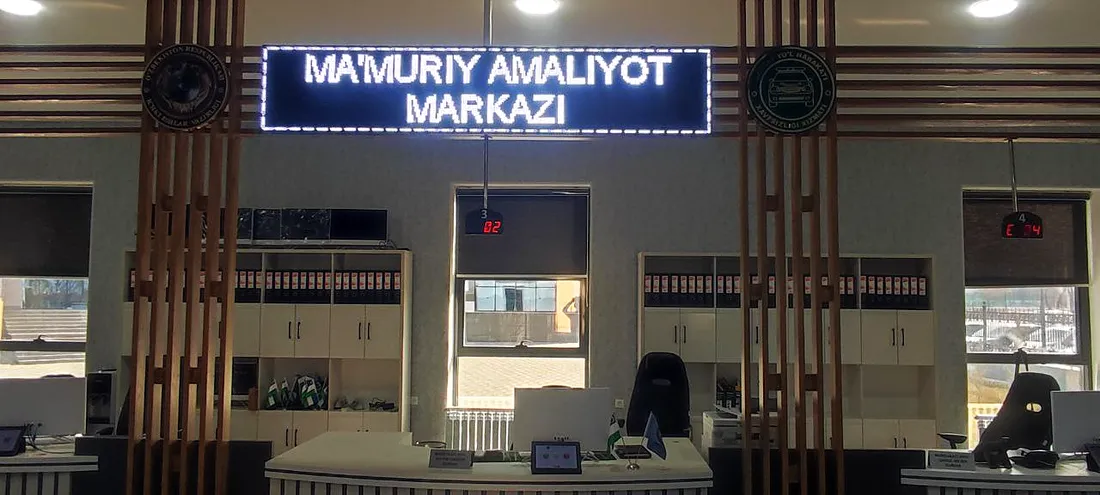
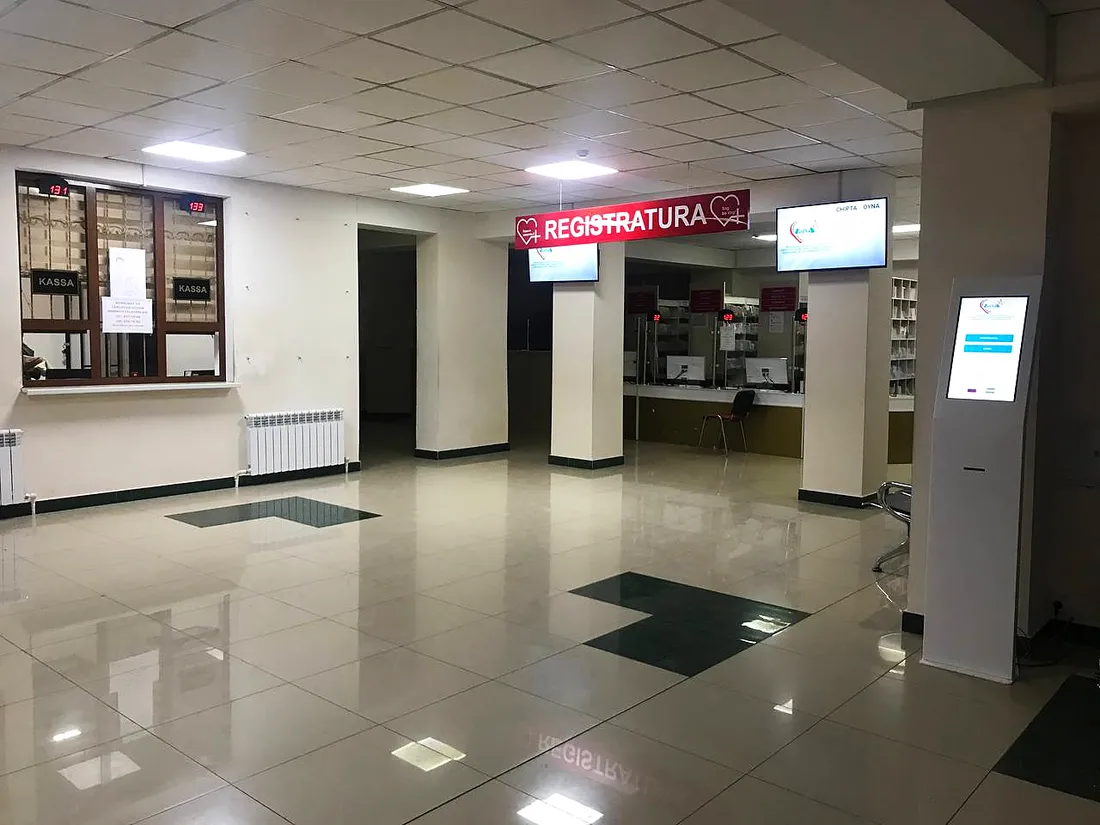
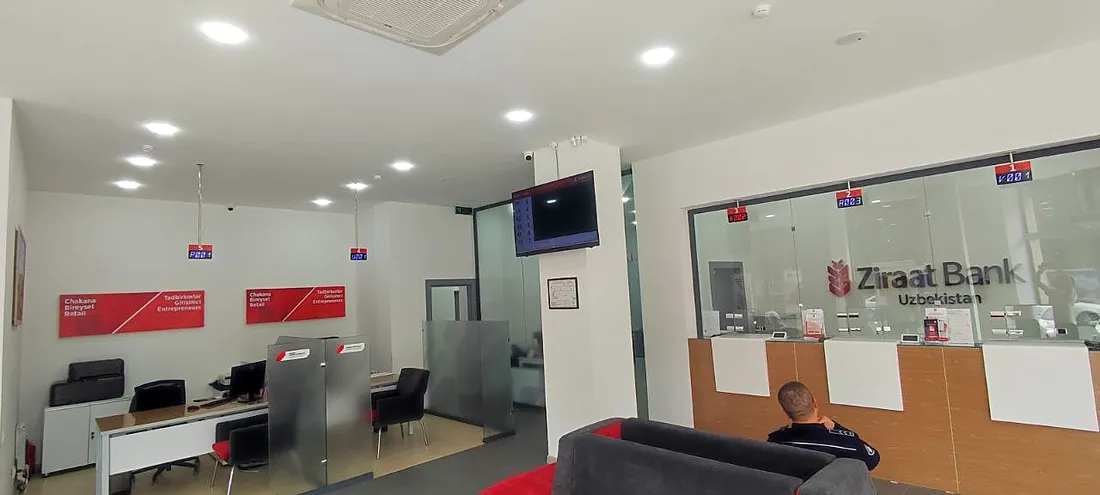
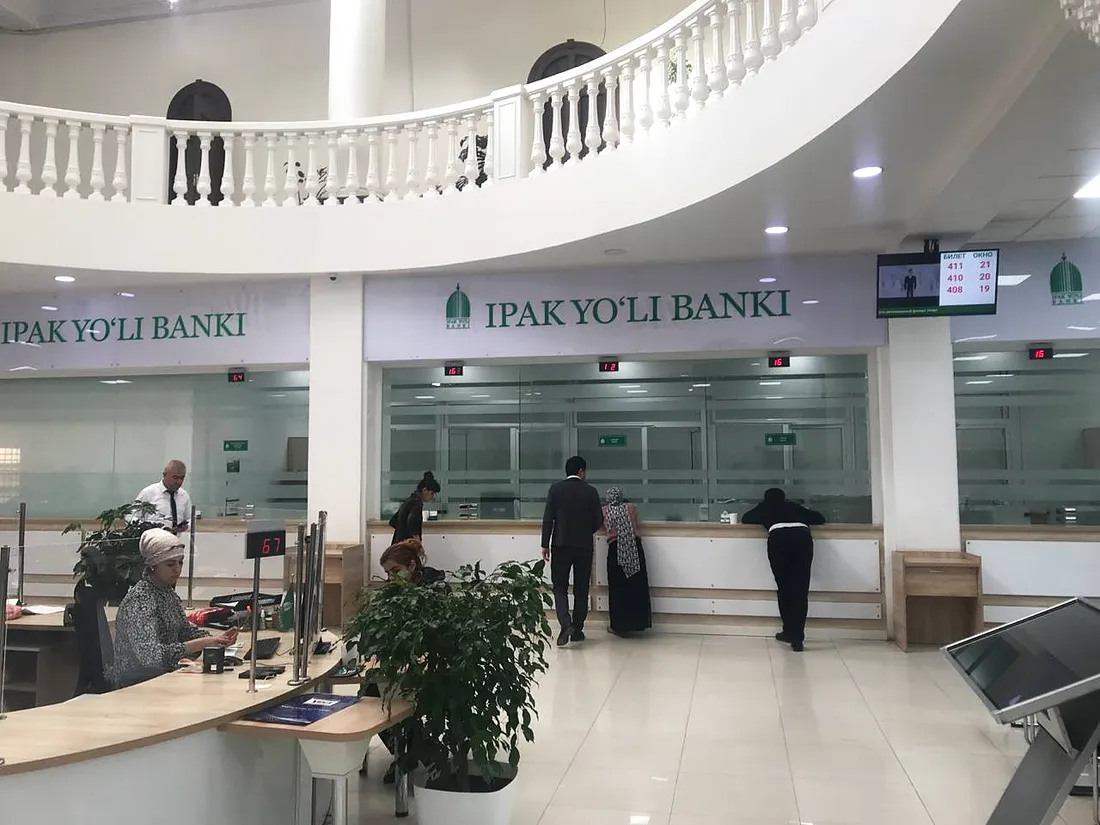
What online booking works with
Frequently asked questions
How can customers book?
On your organisation’s website, in Telegram or by QR code. They enter a name, phone number, service, branch and time.
How does a customer know the booking is made?
The booking code appears right after booking, and the confirmation and reminder arrive by SMS or in Telegram.
When should a booked customer arrive?
15 minutes before the booked time — this is configurable. The customer enters the booking code at the kiosk and gets a ticket; in the Online option it is an e-ticket. Late arrival is allowed within a grace period, which is also configurable.
Are booked customers served ahead of the general queue?
Yes, bookings take priority: the customer is called at the time chosen when booking.
Can a booking be rescheduled or cancelled?
Yes — on the website or in Telegram, wherever the customer booked.
How many bookings can one customer make?
One ticket by default; the limit is configurable.
Which options include online booking?
Mixed and Online; in Local it connects as a separate module. In Mixed, booking works while there is an internet connection. In Online, a booked customer gets an e-ticket.
We’ll show booking on your own example
Tell us how many branches and services you have — we’ll set up a demo and send a quote.