


MEDIA CONTENT
While customers wait, the hall screen works for you: promotions, video and a news ticker — right next to their ticket number.
One screen shows queue calls and your content in separate zones: video, images, a news ticker, promotions. Playlists change on a schedule and can differ for each screen and branch. Everything is uploaded in the dashboard.
What changes
Waiting time starts selling
While customers wait, the screen shows your promotions and services — next to their ticket number.
Content changes by itself
Playlists run on a schedule: one thing in the morning, another in the evening.
Every branch shows its own
Different playlists for different screens and branches — from one dashboard.
What you can show
Queue calls stay on the screen — your content plays in its own zone.
Clips about your services. Usually without sound; audio files are possible too.
Banners, announcements, slides.
Short announcements at the bottom of the screen.
Offers customers learn about while they wait.
How it is set up in the dashboard
Three dashboard sections — and the hall screen shows what you need, when you need it.
- “Media files”Upload videos and images.
- “Playlists”Build playlists and set a schedule — its own for every screen and branch.
- “TV designs”Lay out the screen: calls zone, video, news ticker.
What hardware
Content plays on the hall screens — and, if needed, on the operator display above the desk.
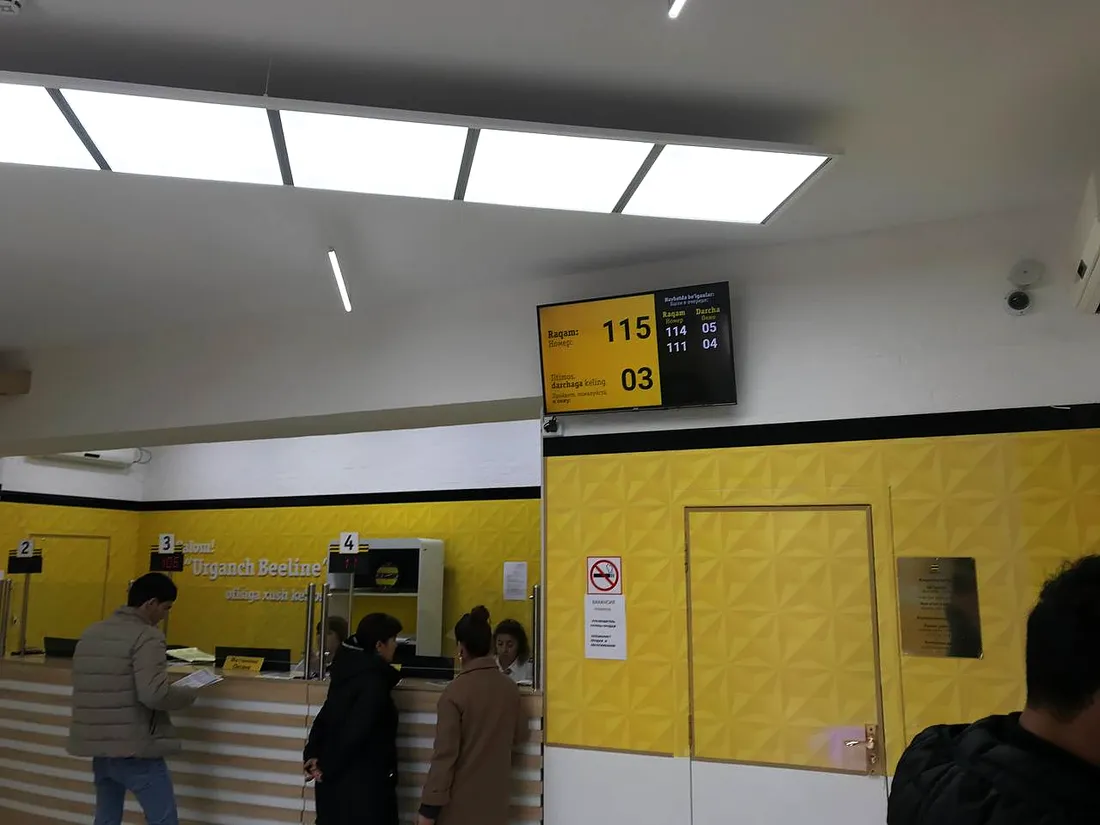
An ordinary TV in the hall plus a set-top box — one screen for calls and content.
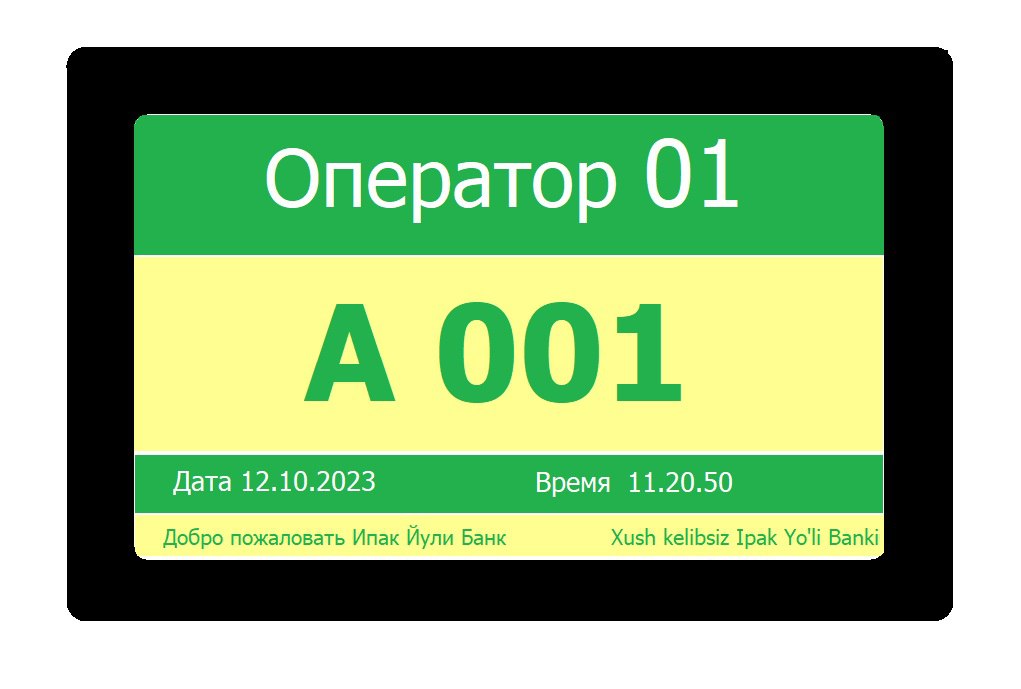 Sometimes — the operator display v2 above the desk
| Option | Media content |
|---|---|
| Local | Works |
| Mixed | Works |
| Online | Works |
Where our queue system already works
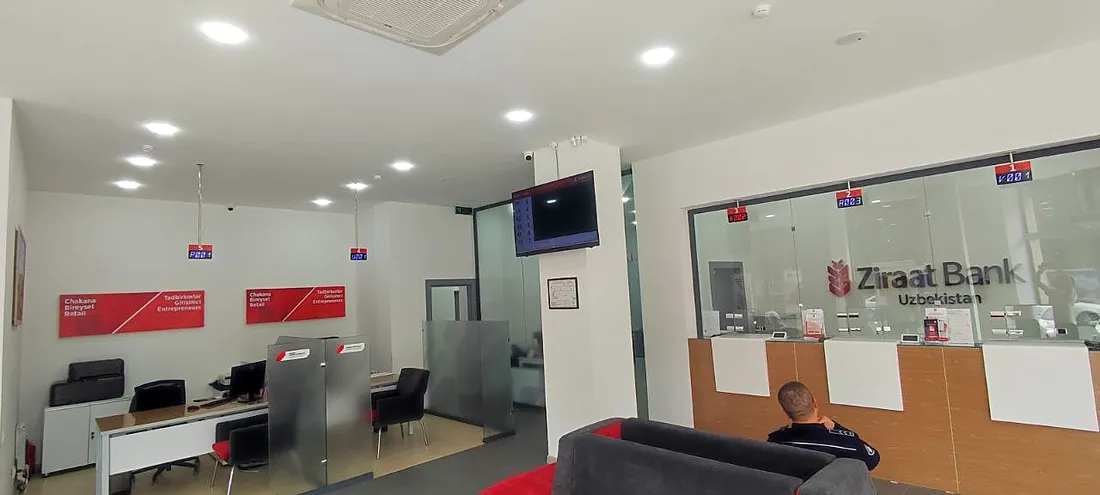
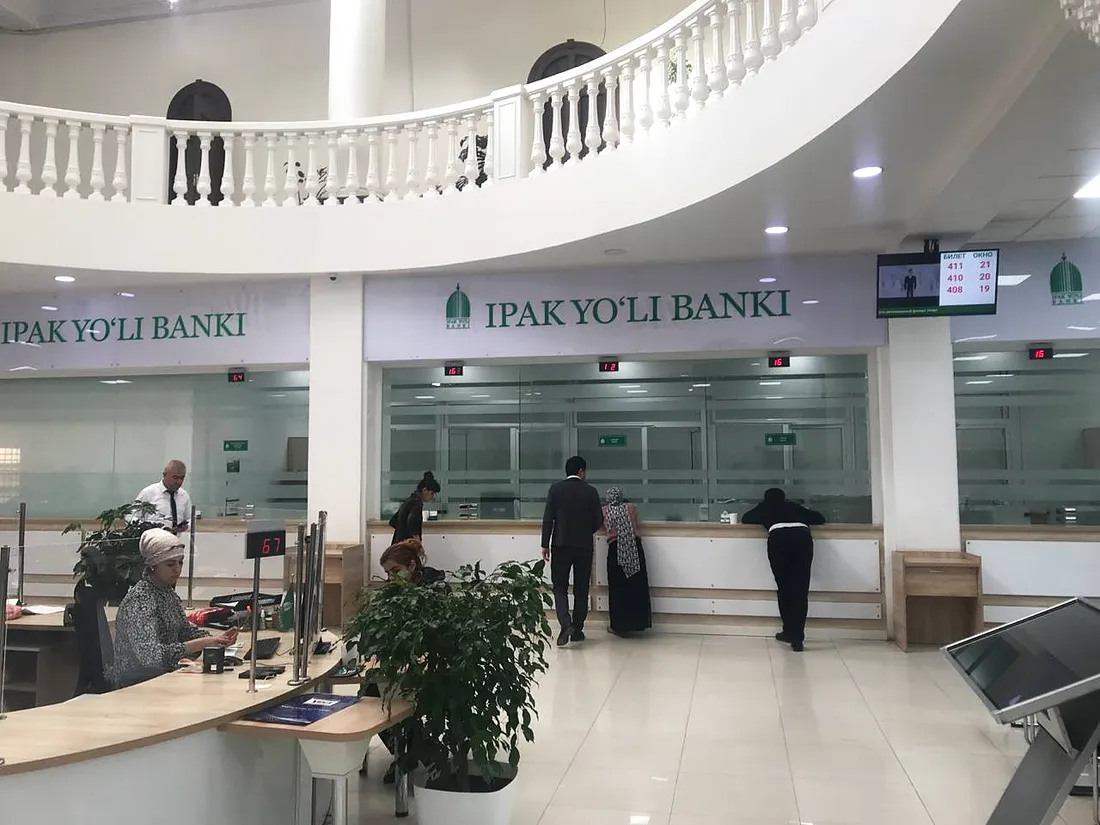
Banks, medical centres, universities and telecom operators all over Uzbekistan.
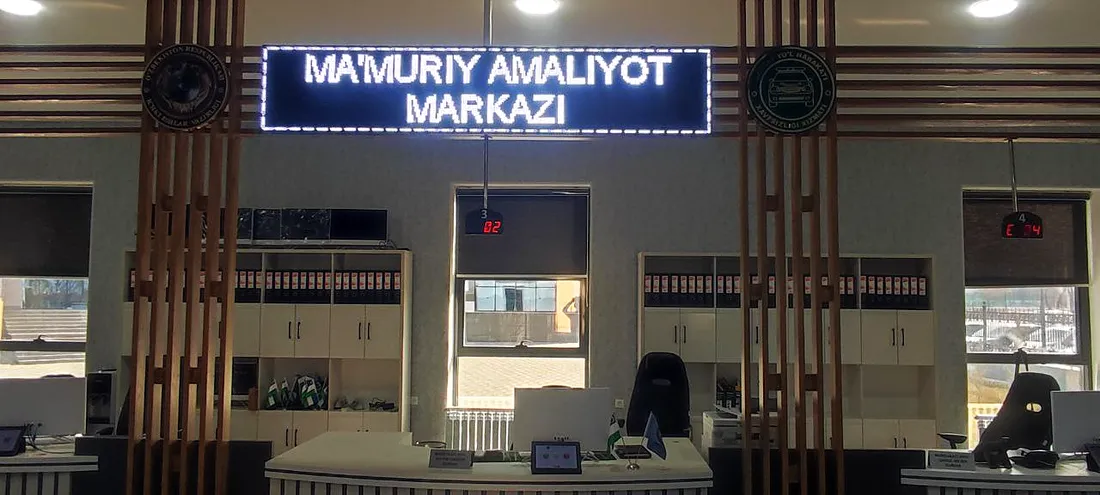
What media content works with
Frequently asked questions
What can be shown on the screens?
Video, images, a news ticker and promotions.
Can video and queue calls share one screen?
Yes, in separate zones: calls, video, news ticker.
How does the content change?
On a schedule: playlists replace each other by themselves.
Can different branches show different content?
Yes, playlists differ for different screens and branches.
Where do I upload videos and images?
In the dashboard: the “Media files”, “Playlists” and “TV designs” sections.
Is there sound?
Video usually plays without sound; audio files can be used too.
What hardware does it run on?
A TV with a set-top box; sometimes the operator display v2 above the desk.
Which options does media content work in?
All three: Local, Mixed and Online.
We’ll show how your screen starts selling
Tell us how many screens and branches you have — we’ll show media content in a demo and send a quote.