


ONLINE MONITORING
No more calling every branch to ask how the queue is going: all branches, desks and equipment on one screen — and you hear about a problem first.
A list of branches: how many people are waiting and how long the wait is. Desks and operators: working, on a break, free. Kiosks and displays: online or not, paper or not. Alerts about a long queue, a long wait and equipment going offline — to the dashboard, Telegram and e-mail.
What changes
All branches on one screen
How many people are waiting and how long — for every branch, without calling branch heads.
You hear about a problem first
A long queue, a long wait or equipment offline — an alert to the dashboard, Telegram and e-mail.
Paper won’t run out unnoticed
Monitoring shows which kiosk has run out of paper.
What monitoring shows
The picture across the whole network — and for every desk.
A list of branches: how many people are waiting and how long the wait is in each.
Who is working, who is on a break, which desk is free.
Kiosks and displays: online or not; whether a kiosk is out of paper.
The picture updates by itself; the interval is configurable — instantly or every few seconds or minutes.
Alerts
The system tells you itself when something goes wrong.
- Long queue
- Long wait
- Equipment offline
- Dashboard
- Telegram
Monitoring is viewed in the dashboard in a browser — from a phone too.
Who sees what
Everyone sees their own part of the network.
| Option | Online monitoring |
|---|---|
| Local | Works |
| Mixed | Works |
| Online | Works, without equipment: the Online option has no kiosks or paper tickets |
Where our queue system already works
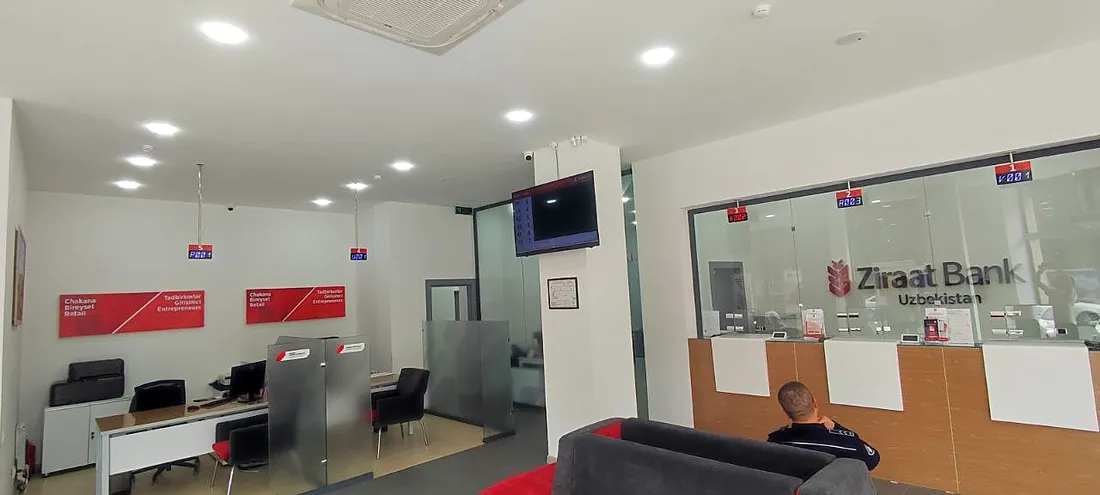
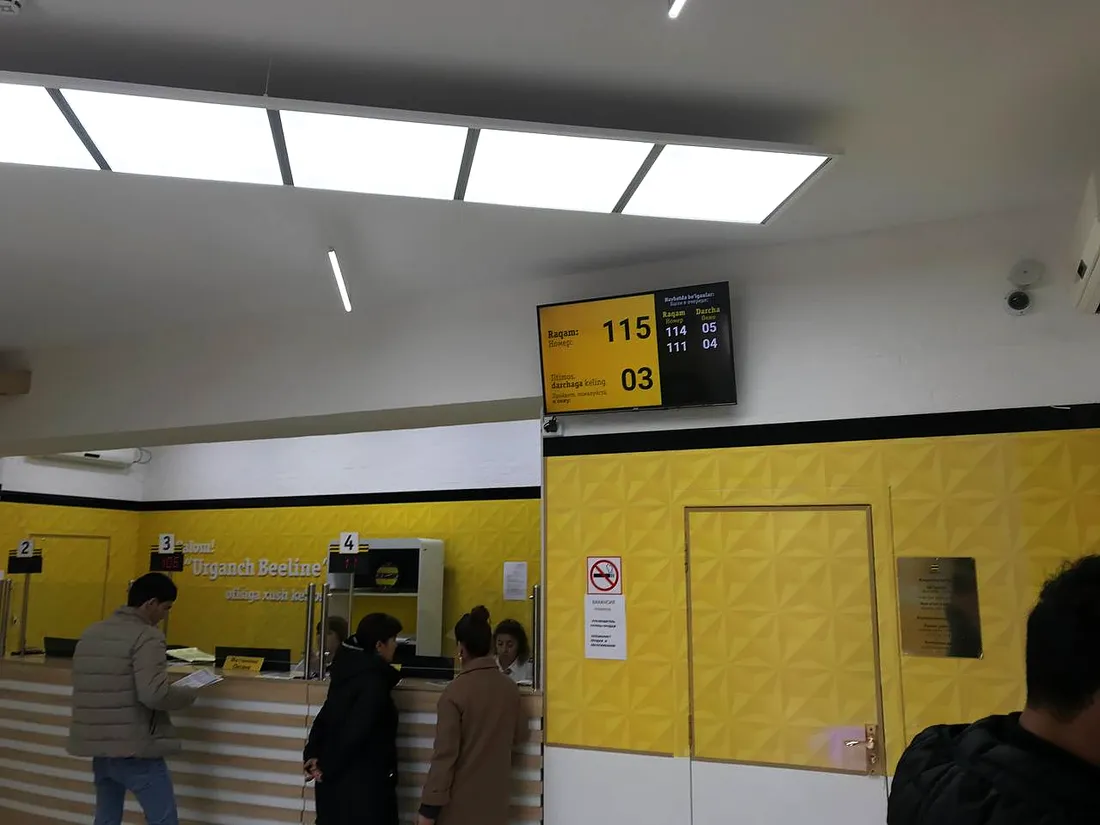
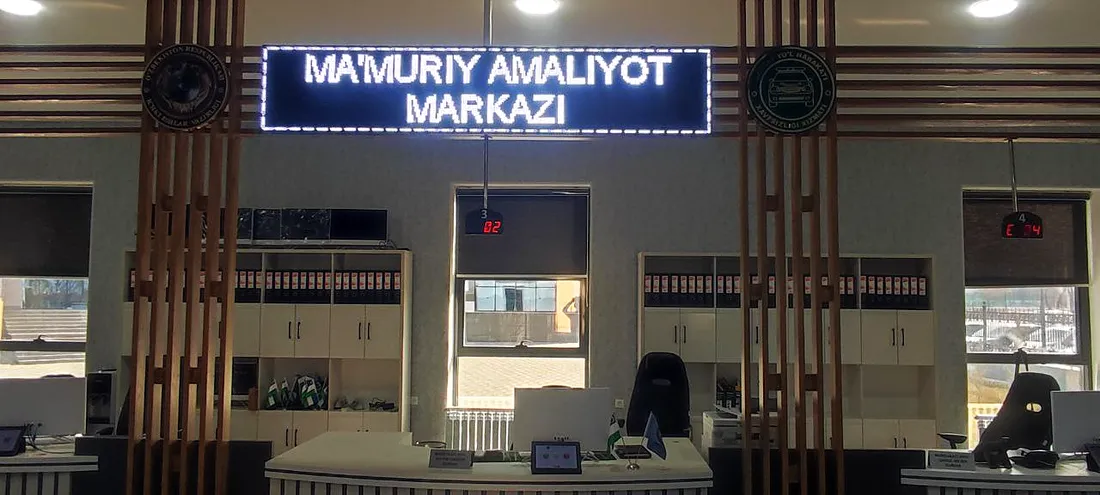
Banks, medical centres, universities and telecom operators all over Uzbekistan.

What online monitoring works with
Frequently asked questions
What does monitoring show?
A list of branches — people waiting and waiting time; desks and operators — working, on a break, free; equipment — kiosks and displays online or not, and whether a kiosk is out of paper.
What do alerts cover?
A long queue, a long wait and equipment that has gone offline.
Where are alerts sent?
To the dashboard, to Telegram and by e-mail.
Where do I view monitoring?
In the dashboard in a browser — from a phone too.
Who sees what?
The network head sees all branches; a branch head sees only their own.
Does the picture update by itself?
Yes, in real time. The refresh interval is configurable: instantly or every few seconds or minutes.
Does monitoring work in the Online option?
Yes, but without equipment: the Online option has no kiosks or paper tickets.
We’ll show your whole network on one screen
Tell us how many branches you have — we’ll show monitoring in a demo and send a quote.