


SOLUTIONS FOR MEDICAL FACILITIES
Patients no longer stand at the doctor’s door so as not to miss their turn: they wait to be called, and after tests they join the doctor’s queue by themselves.
Queues to the registration desk, to a specific doctor or to a room by its schedule. Patient routing: after one room the system puts the patient in the queue for the next one. Displays at the rooms, voice calling, booking by the doctor’s schedule and integration with the MIS via API.
What changes
No crowd at the door
Patients wait to be called — on the display and out loud — instead of standing at the door so as not to miss their turn.
The route leads the patient
Tests → ultrasound → doctor: after one room the patient goes straight into the next queue.
Arrived at their own time
Booking with a doctor — online, by the doctor’s schedule. On the day of the visit the booking is activated in the e-ticket system.
Which queues there are
Each one with its own display and voice calling.
The patient’s first window — the route starts here.
The patient joins the queue for their own doctor.
The queue to a room follows its schedule.
Patient routing
Patients don’t have to look for where to go next — the system leads them.
- Starts at registrationThe route starts at the registration desk.
- The patient chooses the orderAt the start the patient chooses the sequence — for example, tests and then the doctor.
- The next queue — automaticallyAfter one room the system puts the patient in the queue for the next one.
- A doctor can redirectA doctor sends the patient to another specialist — this is configurable.
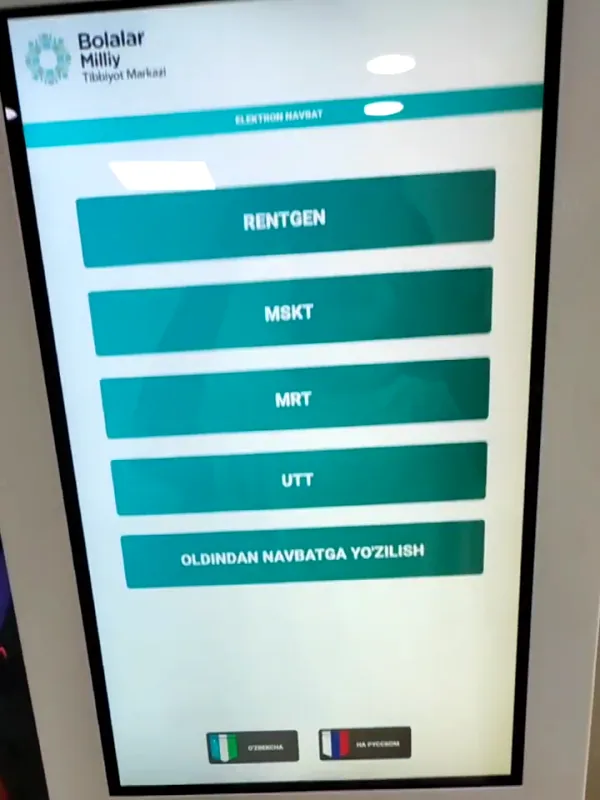
Booking and an e-ticket are different things
One is a time chosen in advance, the other is a place in the live queue.
A day and time chosen in advance — online, by the doctor’s schedule. On the day of the visit the booking is activated in the e-ticket system.
Online booking →The equivalent of a paper ticket: it is taken in the e-ticket system and the patient is served in queue order.
E-ticket →At the room: display and voice
Patients see and hear when they are called.
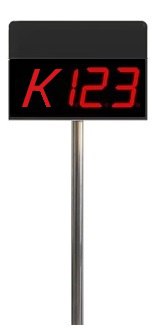 Display v1
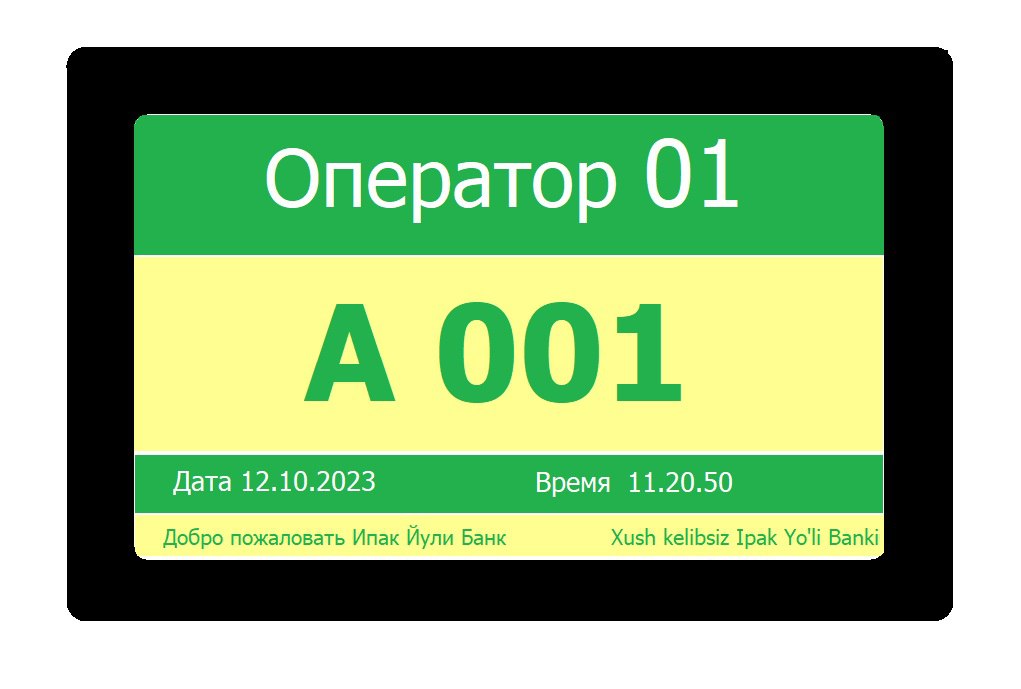 Display v2
Whether to show the patient’s name on display v2 is the clinic’s decision: patient confidentiality matters.
Voice calling to the room: “T-014 — room 08”.
MIS integration
The queue works together with the clinic’s medical information system.
Integration with medical information systems — via API.
| Option | Healthcare |
|---|---|
| Local | Works |
| Mixed | Works |
| Online | Works |
Where it already works in healthcare
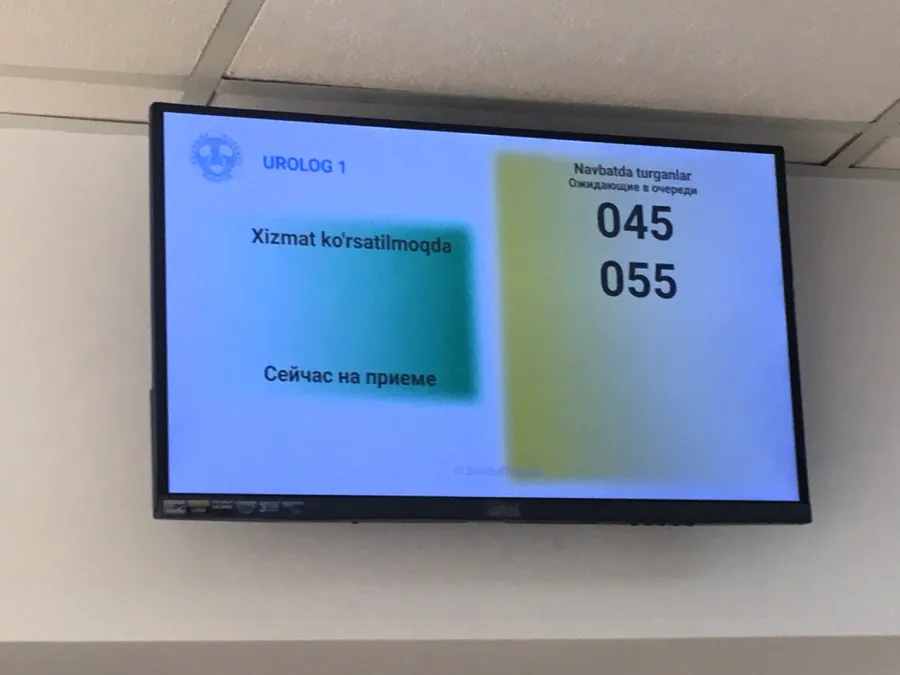
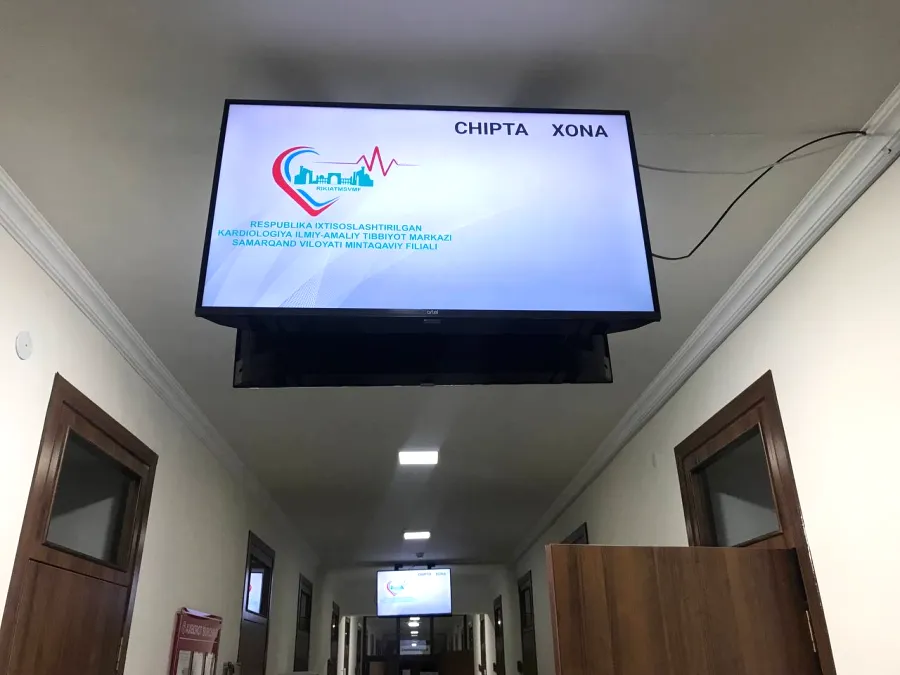
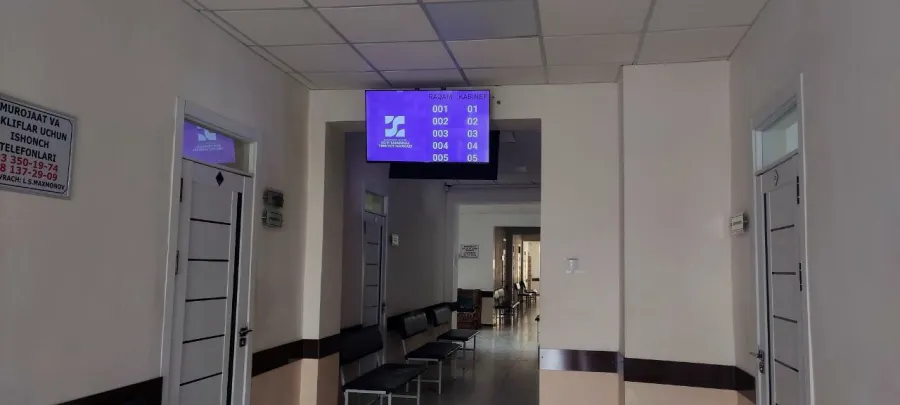
Our queue system in medical centres of Uzbekistan.
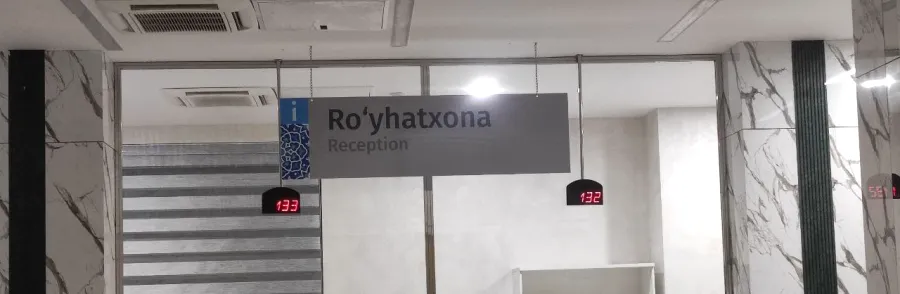
What healthcare works with
Frequently asked questions
Which queues are there for a clinic?
To the registration desk, to a specific doctor or to a room by its schedule.
How does patient routing work?
The route starts at registration: the patient chooses the sequence at the start, and after each room the system puts them in the queue for the next one.
Can a doctor send a patient to another specialist?
Yes, a doctor can redirect the patient — this is configurable.
How is booking different from an e-ticket?
Booking is a day and time chosen in advance by the doctor’s schedule; it is activated in the e-ticket system. An e-ticket is the equivalent of a paper ticket: the patient is served in queue order.
What does the display at the room show?
Display v1 shows the ticket number, display v2 the ticket number and the patient’s name. Whether to show the name is up to the clinic, with confidentiality in mind.
Is there voice calling to the room?
Yes.
Can the queue be connected to the MIS?
Yes, to medical information systems — via API.
Which options does it work in?
All three: Local, Mixed and Online.
We’ll show patient routing for your clinic
Tell us how many rooms and doctors you have — we’ll show the queue and routing in a demo and send a quote.