


SERVICE RECORDING
The customer says “they were rude to me”, the operator says “I was polite”. Now the recording settles it: service audio is linked to the ticket and operator.
A microphone at the operator records the conversation, and the recording is saved with the ticket number and the customer’s rating. In reports it is found by ticket, date or operator and played back — for example, the conversation behind a low rating.
What changes
The recording settles disputes, not words
A “they were rude to me” complaint is checked on the facts: find the conversation by ticket and listen.
You know where a low rating came from
The recording and the rating share one ticket — you hear exactly the conversation that got a “bad”.
Only authorised people listen
Access rights to recordings are configured for your organisation.
How it works
Four steps — from the microphone to the report.
-
The microphone records
The operator’s microphone is connected to the rating terminal or to the operator’s computer.
-
The recording joins the ticket
Saved together with the ticket number and the operator.
-
The customer rates
The rating is linked to the same ticket.
-
The manager listens in reports
Finds the recording by ticket, date or operator — for example, a low-rated conversation.
Equipment
We supply the microphone. It connects to the rating terminal or to the operator’s computer.
Supplied with the system.
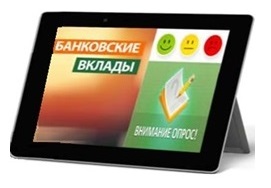 In stock Customer Feedback Terminal
A desktop terminal with a 10″ touch screen: the customer rates the service, and the microphone connects to it.
The microphone can be connected to the operator’s computer.
Access, storage and privacy
Conversation recordings are sensitive data. Here is how it works.
Who can listen to recordings is configurable: only authorised people.
On a local server or on our cloud server.
How and when to tell customers about recording is the organisation’s decision — the system has settings for it.
| Option | Service recording |
|---|---|
| Local | Works |
| Mixed | Works |
| Online | Not available |
Where our queue system already works
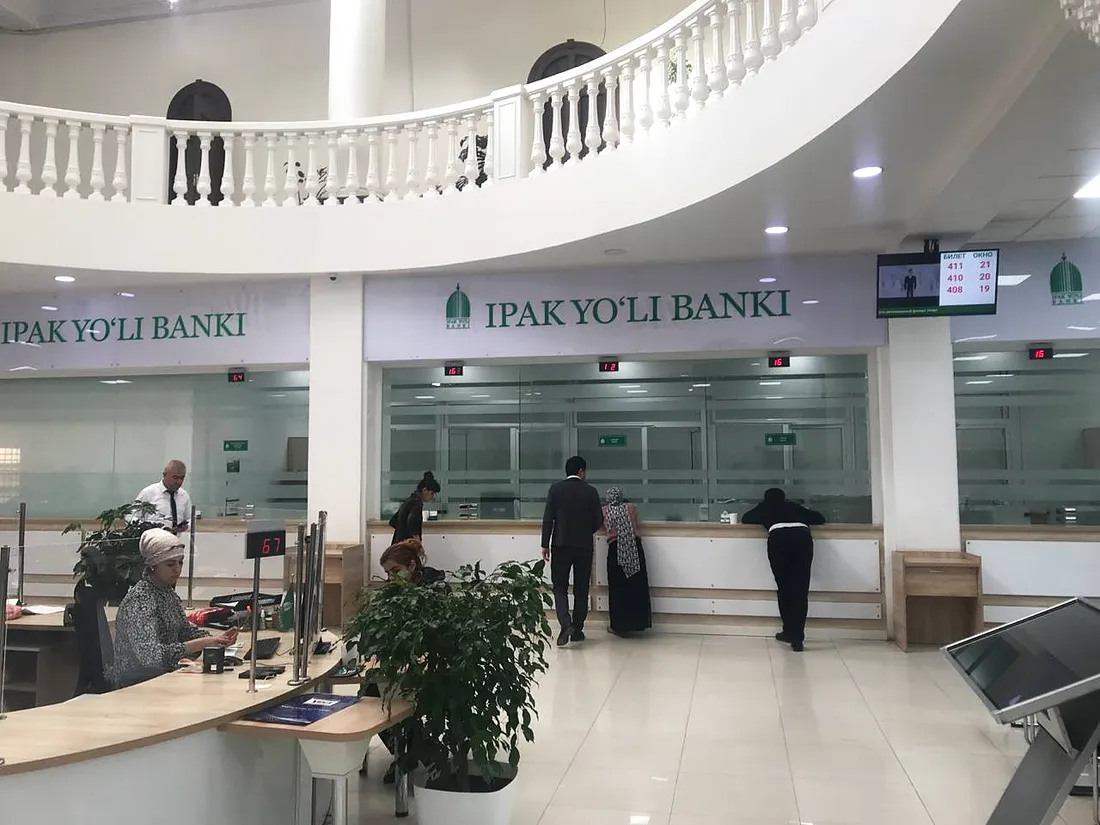
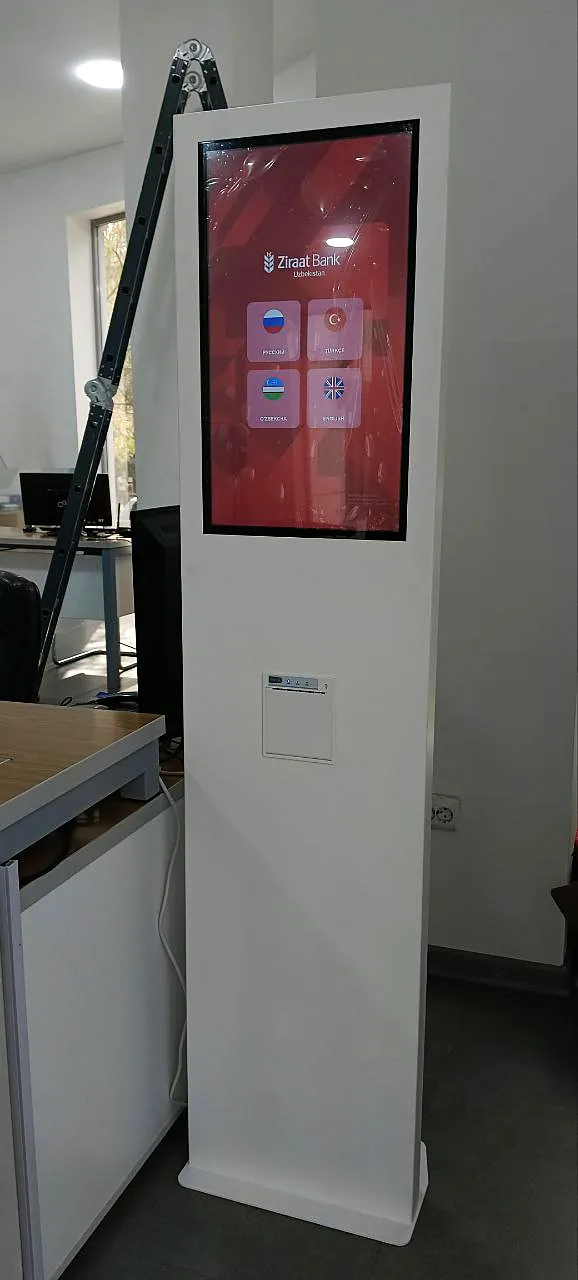
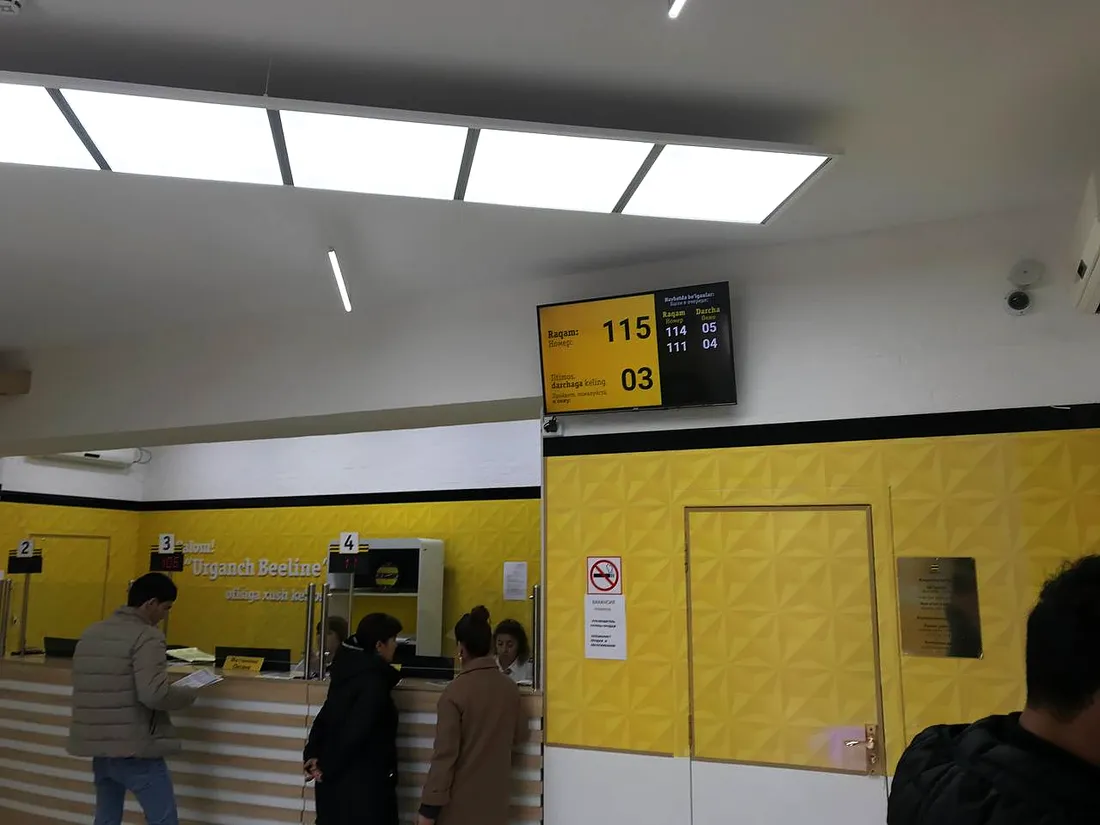
Banks, medical centres, universities and telecom operators all over Uzbekistan.
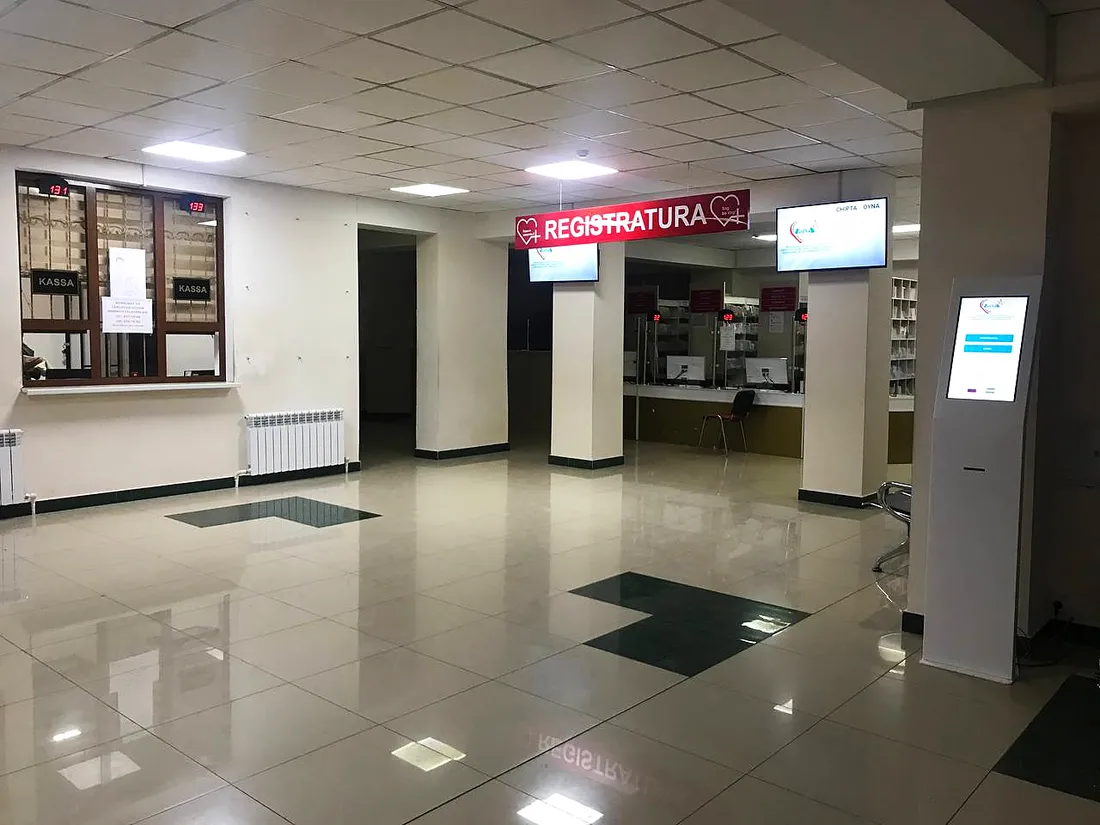
What service recording works with
Quality rating
The rating is linked to the ticket — you hear the conversation it was given for.
Learn more →Operator console
The operator calls the customer — the recording is linked to their ticket.
Learn more →Frequently asked questions
Is video recorded?
No, only the audio of the service.
What records the conversation?
A microphone at the operator — we supply it. It connects to the quality rating terminal or to the operator’s computer.
How do I find a recording?
In reports — by ticket number, date or operator.
Can I listen to the conversation behind a low rating?
Yes: the recording and the rating are linked to the same ticket.
Who can listen to recordings?
Access rights are configurable — only authorised people listen.
Where are recordings stored?
On a local server or on our cloud server.
Do customers need to be told about recording?
How and when to tell customers is the organisation’s decision — the system has settings for it.
Which options include it?
Local and Mixed. Service recording is not available in the Online option.
We’ll show how to find and play a recording
Tell us how many desks you have and how you handle complaints — we’ll show recording and reports in a demo and send a quote.