


OPERATOR CALL CONSOLE
No more shouting “next!” — the operator presses one button and the customer’s number appears on the display and is announced by voice.
The web console opens in a browser — on a computer, tablet or phone. Call, recall, redirect, pause and outcome marking — all in one window.
What changes at the desk
No “next!” across the hall
One button — the number is on the display and a voice announces the desk. Customers see where to go.
Nobody is sent to the back of the line
Came to the wrong desk? The operator redirects them to the right desk or service.
A pause without a “break” sign
The operator presses Pause — the system stops calling to this desk until they return.
The operator’s routine
Calls the next customer
One press — the number on the display and by voice.
Did the customer come?
Yes — “Arrived”. No — “Recall” or “No-show”.
Marks the outcome
The visit, waiting and service time go to reports.
Six actions in one window
A diagram of the web console: everything the operator needs — no extra screens.
- Call next — one button, the number goes straight to the display
- Recall — if the customer didn’t come
- Arrived / No-show — mark the visit outcome
- Redirect — to another desk or another service
- Pause — a break, no calls to this desk
- Call out of turn — pick a ticket from the waiting list
Any device — nothing to install
The console runs in a browser: open the page, sign in with your name and start calling customers.
At the operator’s desk — on the office local network (Local and Mixed options).
The same console in a browser — handy at desks without a computer.
In the Online option the console is right on the phone — no computer needed at the desk.
| Option | How the console works |
|---|---|
| Local | In a browser on the operator’s computer, on the office local network. No internet needed. |
| Mixed | In a browser on the local network: calls keep working without internet, the dashboard and reports are in the cloud. |
| Online | In a browser over the internet — from a computer, tablet or phone. |
Keypad console — for a desk without a computer
If a workplace has no computer on the local network, we install a keypad console with a display. It’s an older technology and isn’t sold in the shop — we’ll match it to your site.
Where it already works
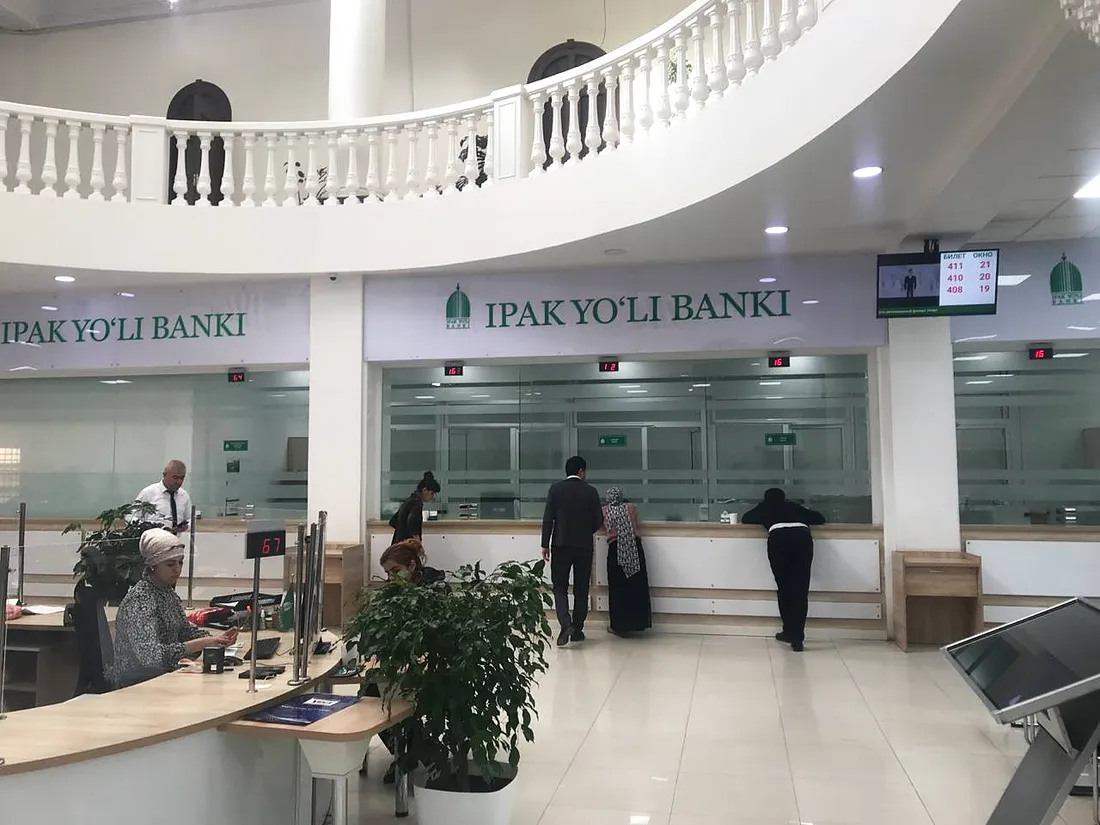
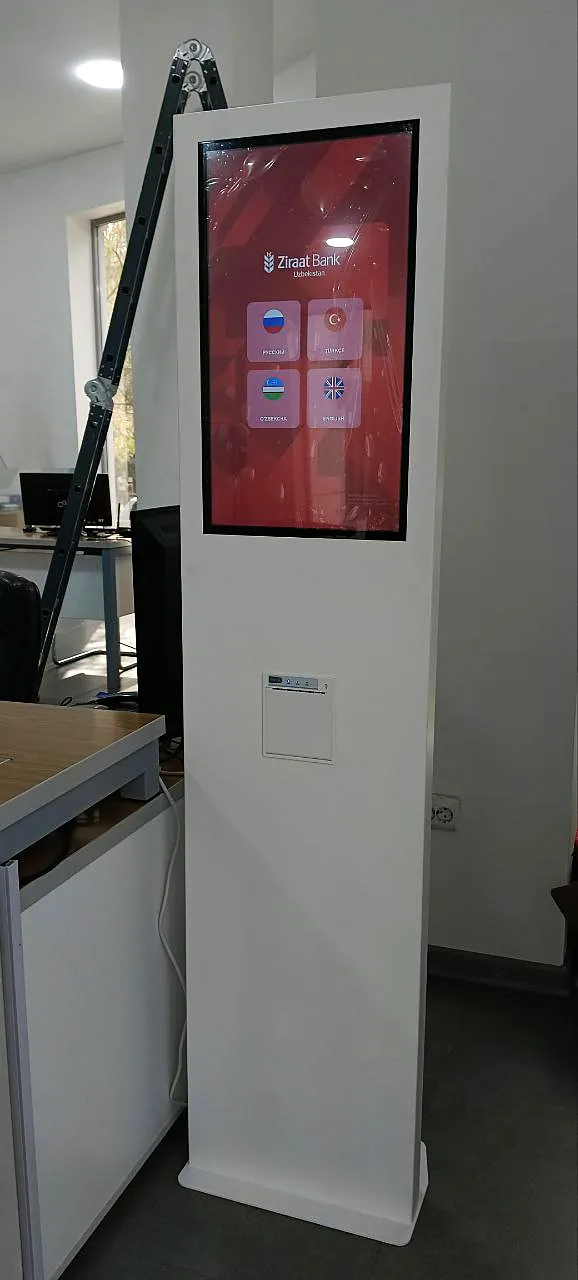
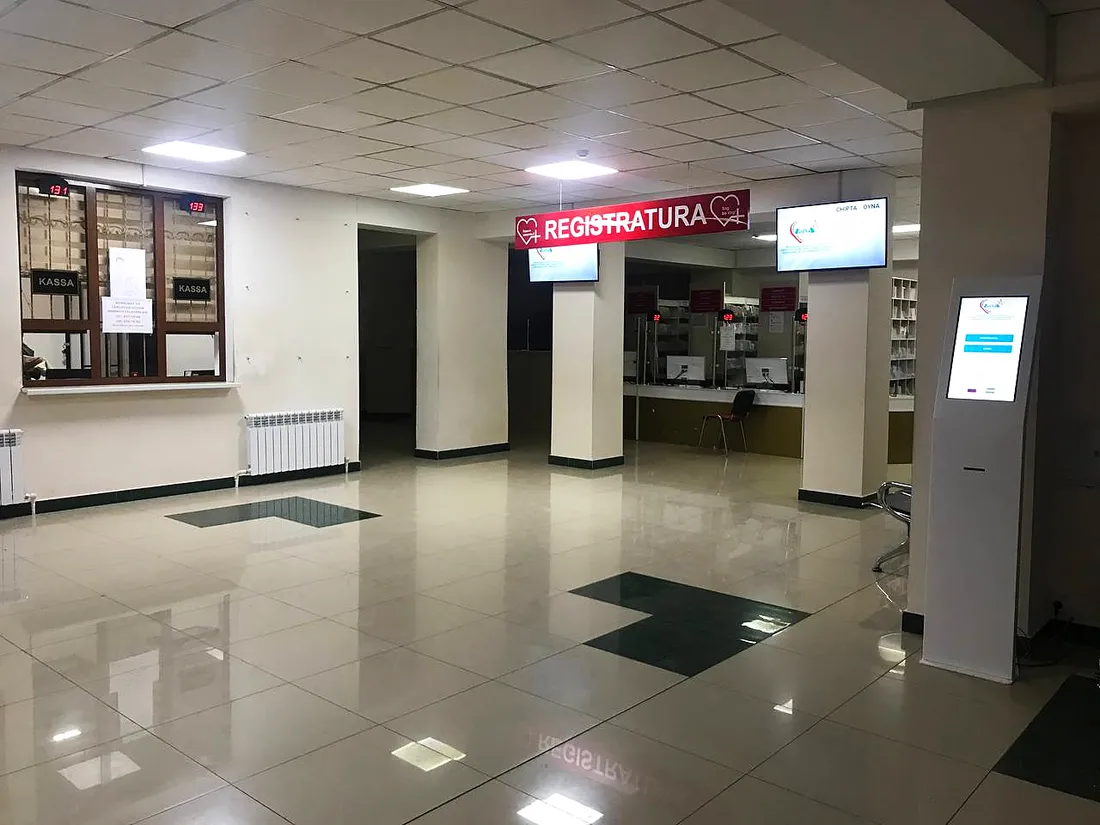
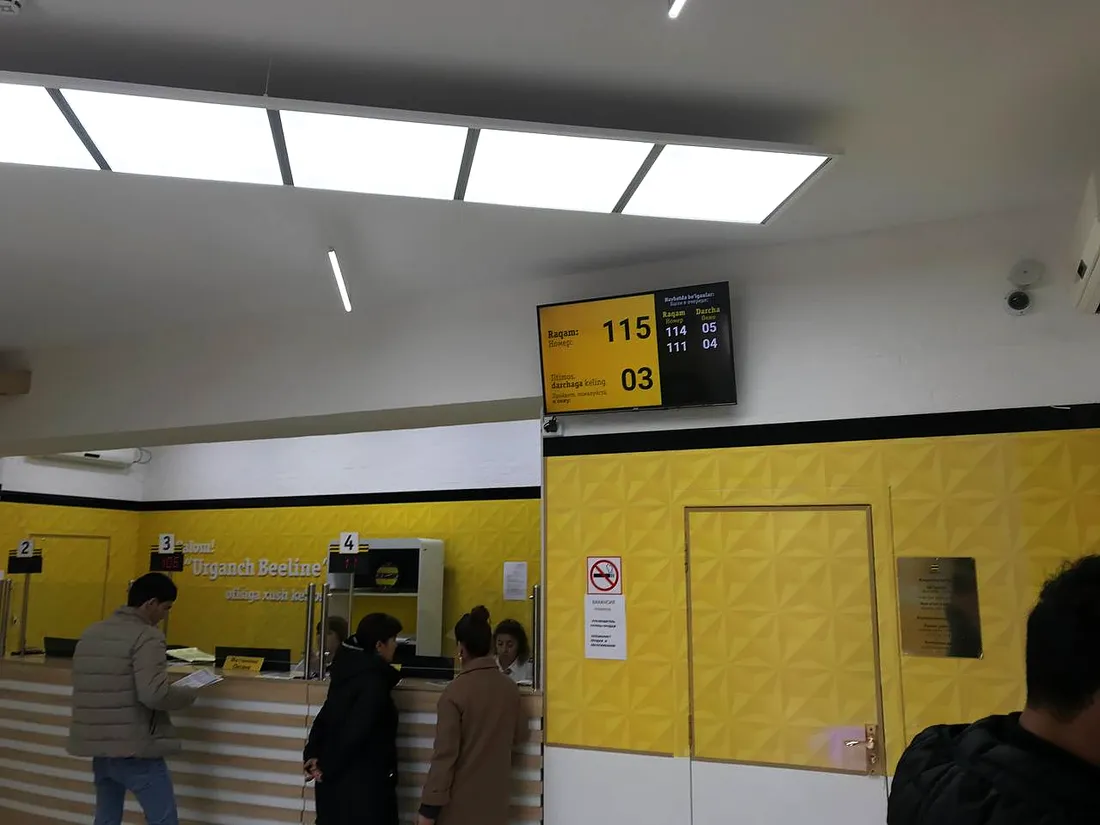
Banks, medical centres, universities and telecom operators all over Uzbekistan.
What the console works with
Services and priorities
Services, VIP and priority groups — who is called and in what order.
Learn more →Frequently asked questions
Do we need to install software on the operator’s computer?
No. The web console opens in a browser: the operator signs in and starts calling customers right away.
Can operators call customers from a phone?
Yes. In the Online option the console runs in a phone or tablet browser — no computer needed at the desk.
Does the console work without internet?
In the Local and Mixed options — yes: the console runs on the office local network and calls keep working without internet.
Can we call a customer out of turn?
Yes. The operator picks the ticket from the waiting list.
How do we send a customer to another desk?
With the Redirect button: the operator chooses the desk or service.
There’s no computer at the desk. What then?
We install a keypad console with a display — it connects to the system via a COM port. Or, in the Online option, the operator works from a phone.
We’ll show the console in action
Tell us how many desks and services you have — we’ll show calling on a demo and send a quote.