


SERVICES AND PRIORITIES
A queue that follows your rules: VIP and priority-group customers are called first, one desk handles several services, and limits and schedules work on their own.
Services come in sections and subsections. Priorities — VIP, priority groups and service importance: such a customer is called as soon as an operator is free. A daily ticket limit, a schedule by hours and days with breaks, transferring a customer to another service or desk — all configurable.
What changes in the hall
VIPs don’t wait in the general queue
An important customer is called as soon as an operator is free — no more “let them through, please”.
Desks don’t stand idle
One desk serves several services — the operator always has someone to call, even when one service has no customers.
No promises you can’t keep
A daily ticket limit: when it’s reached, the service button hides or shows a red signal with text.
Who is called first
Priority categories and the call order are configured for your organisation.
VIP
Important customers — no waiting in the general queue.
Priority groups
Those entitled to be served first.
Service importance
More important services are called before the rest.
- 1V-012VIP
- 2P-005priority
- 3A-047
- 4A-048
Services, sections and desks
Services are grouped into sections, desks take several services at once, and a customer can be passed on.
Service hierarchy
- Loans
- Consumer
- Mortgage
- Deposits
- Cards
- Currency
Desks and their services
- Desk 3Loans · Deposits
- Desk 5Cards
- Desk 6Currency
Transfers and service chains
The operator passes a customer to another service or desk, including in a chain — for example, from Loans to Cards.
Limits and schedule
The system stops issuing tickets for a service by itself when the limit is reached or the service is outside its schedule.
Daily ticket limit
Service schedule
| Days | Hours | Break |
|---|---|---|
| Mon–Fri | 09:00–18:00 | 13:00–14:00 |
| Sat | 10:00–15:00 | — |
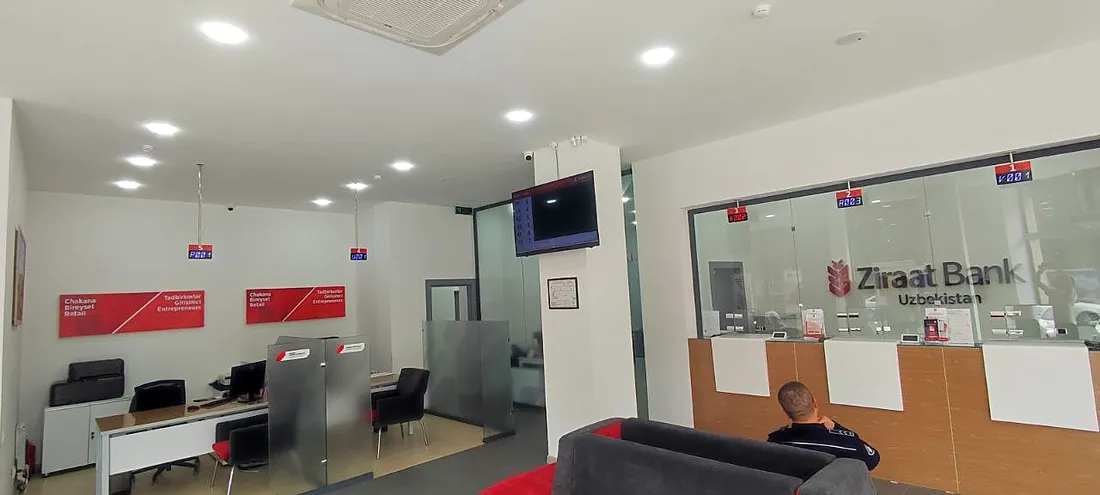
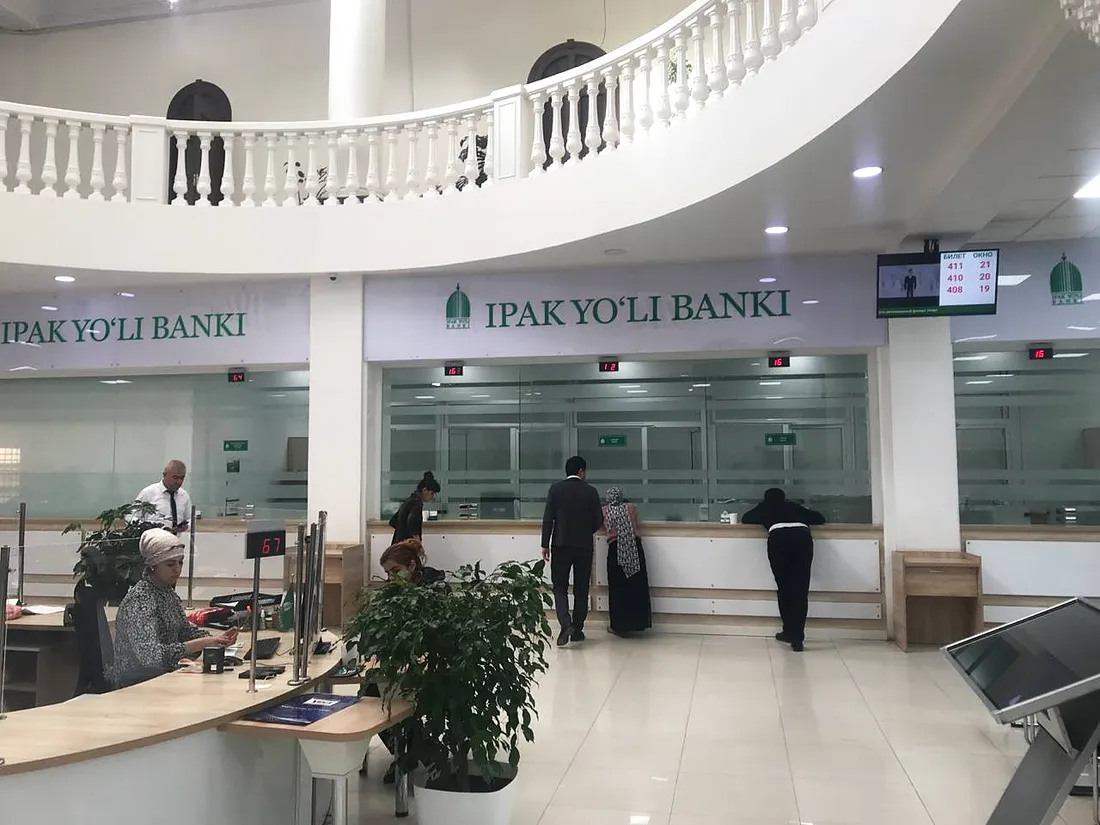
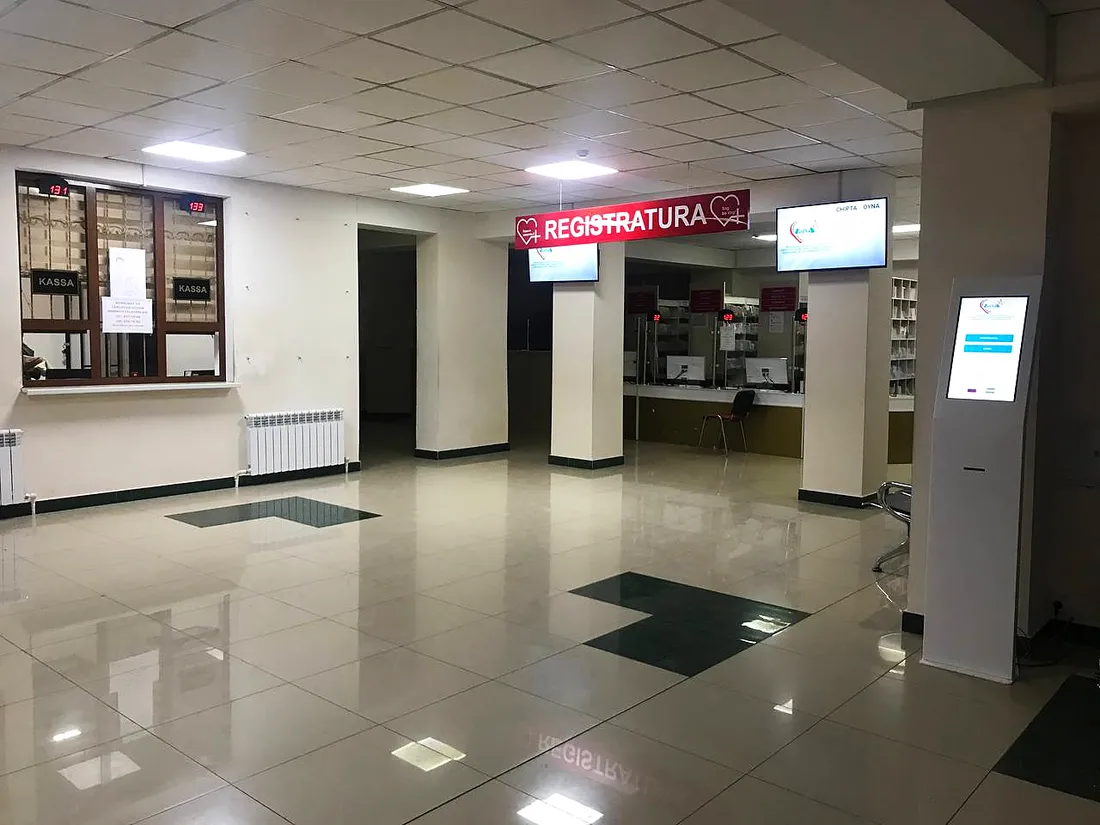
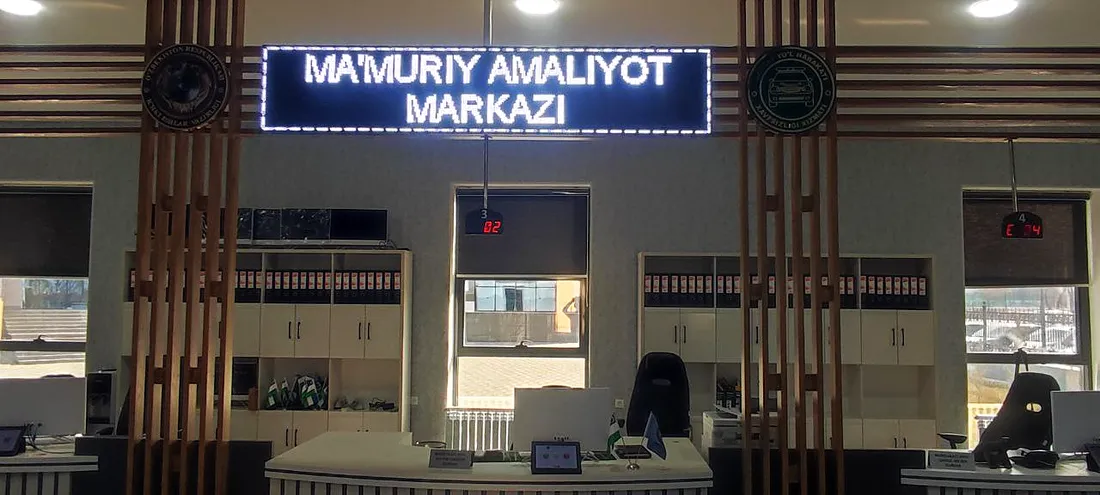
Where our queue system already works
Banks, medical centres, universities and telecom operators all over Uzbekistan.
What services and priorities work with
Frequently asked questions
What priorities are there?
VIP, priority groups and service importance. Categories and order are configurable.
When is a priority customer called?
As soon as an operator is free — this is configurable too.
Can one desk serve several services?
Yes. A desk can be assigned several services.
Can services have sections and subsections?
Yes, services form a hierarchy: section → service.
What do customers see when a service runs out of tickets?
Whatever you set: the service button hides or shows a red signal with text.
Can a service have a schedule?
Yes: working hours and days, with breaks.
Can a customer be transferred to another service or desk?
Yes, including in a chain — from one service to the next.
Which options include this?
All three; everything is configured for your organisation.
We’ll set up the queue to your rules
Tell us about your services, desks and customer groups — we’ll show the setup in a demo and send a quote.